
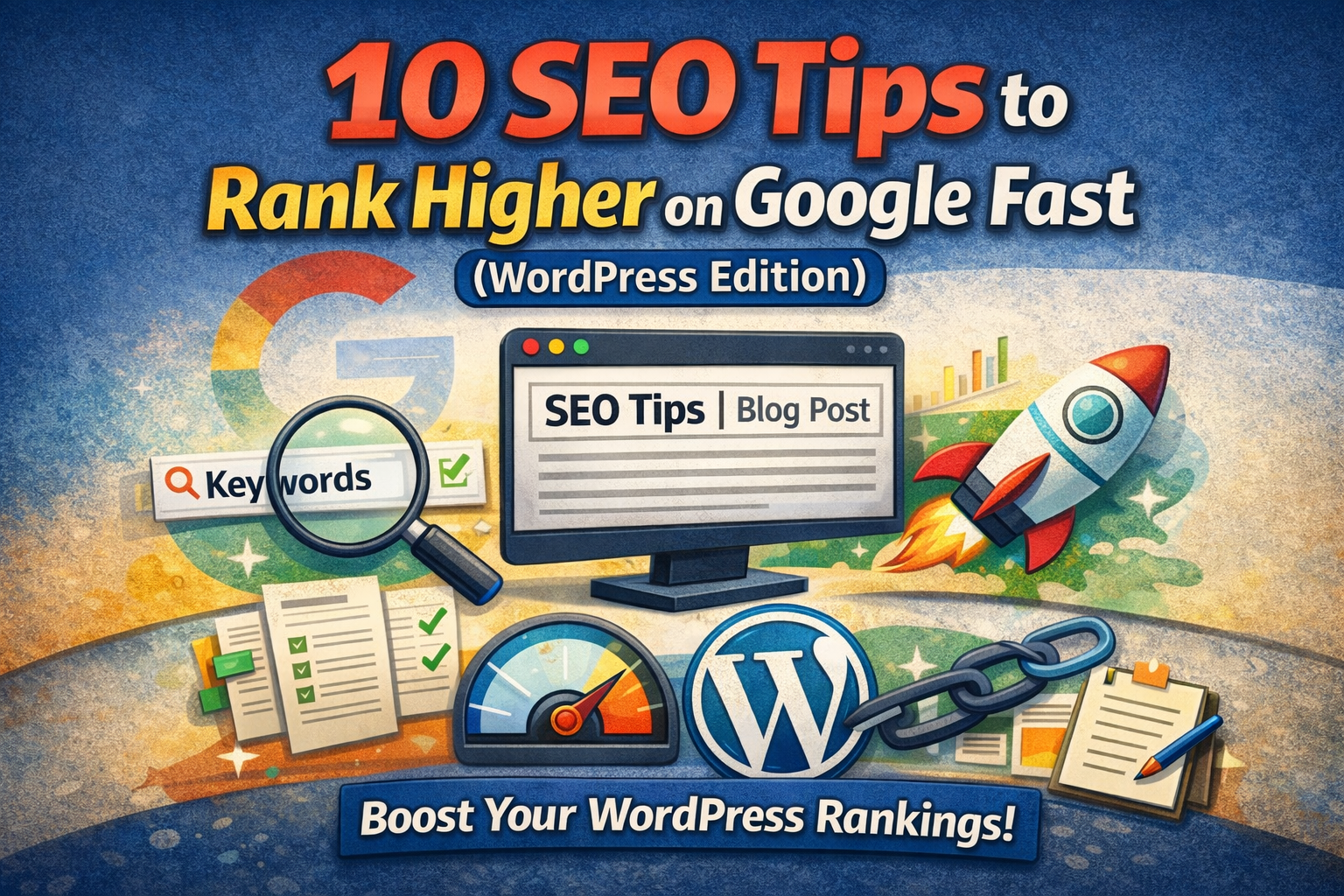
10 SEO Tips to Rank Higher on Google Fast (WordPress Edition)
If you’re using WordPress and want to rank higher on Google fast, here’s what matters. No fluff. No outdated tricks. Just actions that actually move rankings.
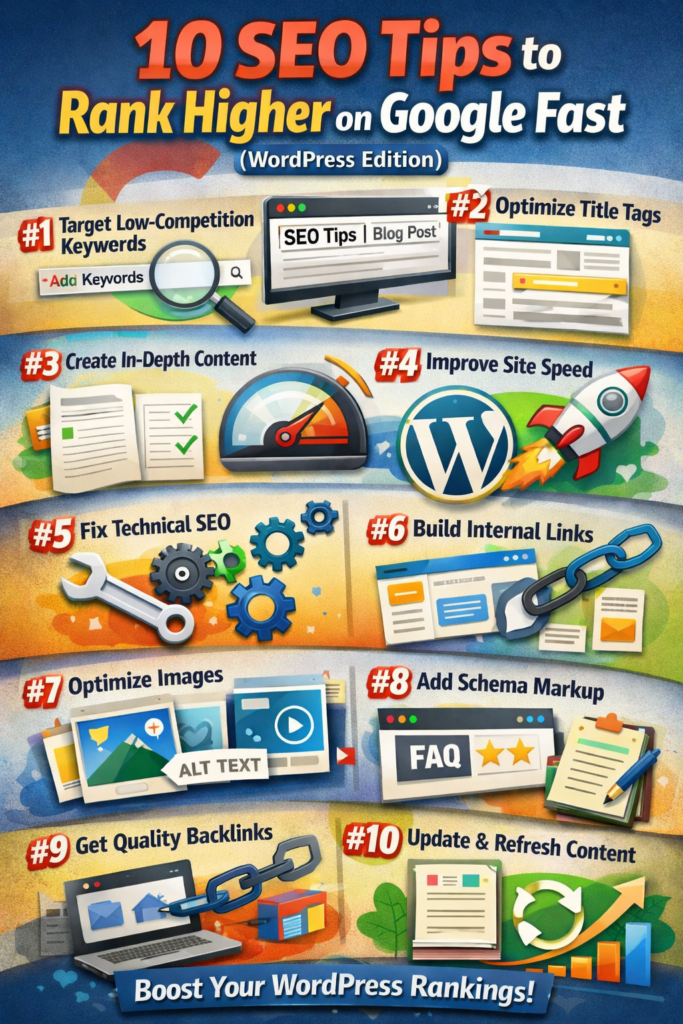
1. Choose the Right Keyword Before You Write
Most people fail before they even publish. They target keywords that are too competitive. Instead, find long-tail keywords with lower difficulty and clear search intent. Use phrases people are actually typing. Focus on questions, comparisons, and “how to” searches. When competition is lower, rankings come faster.
2. Optimize Your Title Tag Properly
Your title tag is your first ranking weapon. Keep it between 50–60 characters. Put your main keyword near the beginning. Make it compelling enough to earn clicks. Google watches click-through rate. If users click your result more than others, you move up. In WordPress, use an SEO plugin to control your title tag instead of relying on the default post title.
3. Write Content That Fully Solves the Search Intent
Google ranks pages that completely answer the query. Don’t write thin 500-word posts. Write comprehensive content that covers the topic deeply. Use clear H2 and H3 headings. Add examples. Add step-by-step instructions. Add FAQs. When your content is better than what’s already ranking, Google notices.
4. Improve Page Speed Immediately
Speed is not optional. A slow WordPress site kills rankings. Use lightweight themes, compress images, enable caching, and use a good hosting provider. Avoid bloated plugins. Aim for fast loading on both mobile and desktop. Faster sites reduce bounce rate, and lower bounce improves SEO signals.
5. Fix Technical SEO Basics
Make sure your WordPress site has:
- Proper XML sitemap
- Clean permalink structure
- HTTPS enabled
- No broken links
- Mobile-friendly design
These are foundational. If your technical SEO is weak, content alone won’t save you.
6. Build Strong Internal Linking
Internal links help Google understand your site structure. Every new blog post should link to related articles. Use descriptive anchor text. This distributes authority across your site and helps pages rank faster. Think of internal links as SEO boosters you fully control.
7. Optimize Images the Smart Way
Large images slow down WordPress sites. Compress every image before uploading. Use descriptive file names and alt text that includes keywords naturally. Image optimization improves both page speed and image search visibility.
8. Add Schema Markup
Schema helps Google understand your content better. Add FAQ schema, article schema, or how-to schema when relevant. This can increase your visibility with rich results and boost click-through rate. More clicks often mean better rankings.
9. Get Quality Backlinks
Backlinks are still one of the strongest ranking factors. Focus on earning links from relevant blogs, niche websites, and industry resources. Guest posting, partnerships, and creating shareable content work well. One strong backlink is better than ten weak ones.
10. Update and Refresh Old Content
Google favors fresh content. Go back to old posts and improve them. Add new data, expand sections, improve formatting, and update keywords. Often, refreshing existing content is faster than creating something new — and rankings improve quickly.
Final Strategy
Here’s the real secret: consistency beats shortcuts. Publish optimized content regularly. Improve user experience. Build authority over time. WordPress gives you full control — use it wisely. When you combine strong keywords, optimized structure, fast performance, and smart linking, your rankings don’t just increase — they compound.