
MiroSEO Marketplace
WordPress plugins that ship like SaaS — without the monthly bill
SEO, WooCommerce, local search, and booking tools. One-time licenses, instant download, lifetime updates.
- 8plugins
- $29starting from
- One-timeno subscription
- Lifetimeupdates
-
-
 SEO
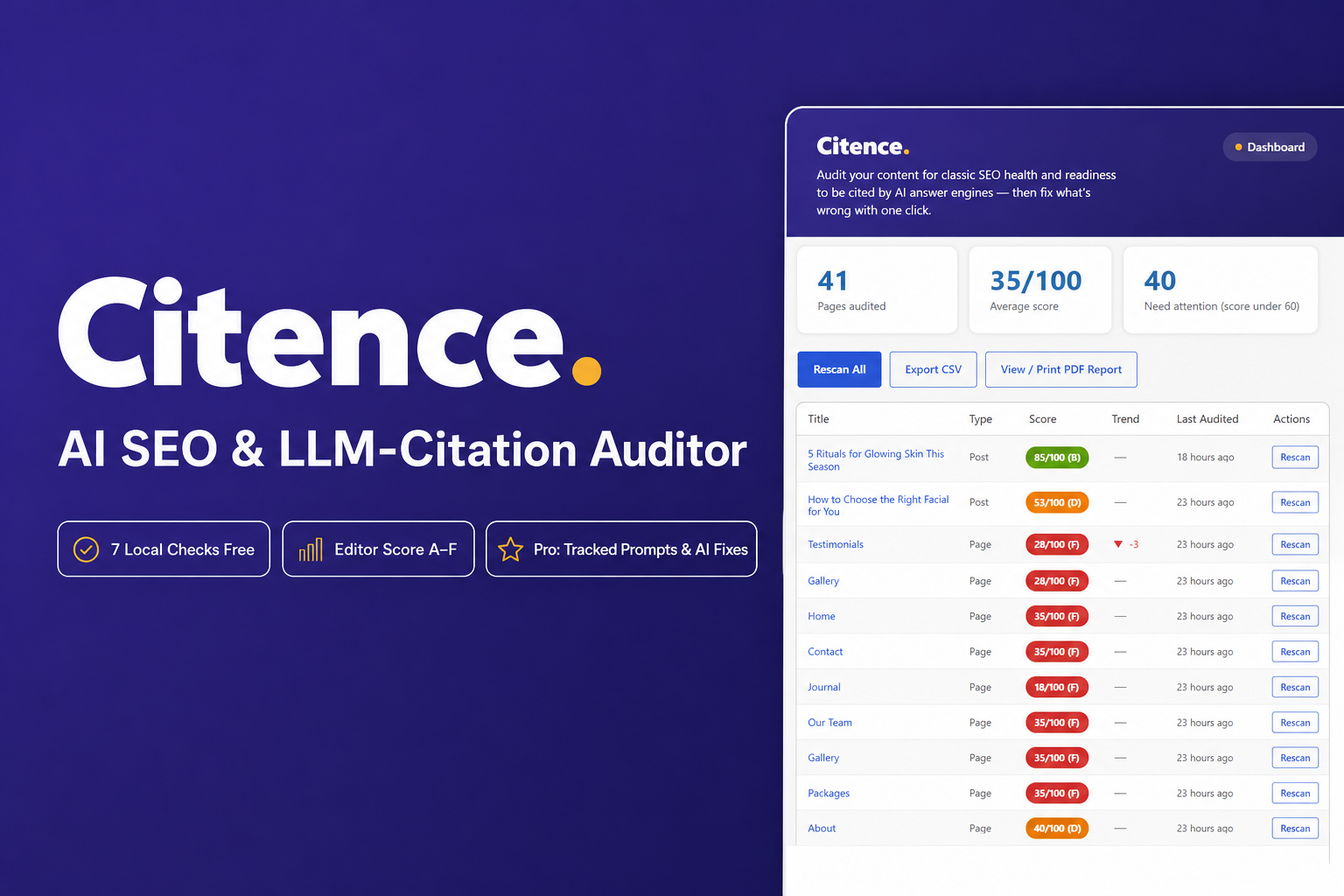
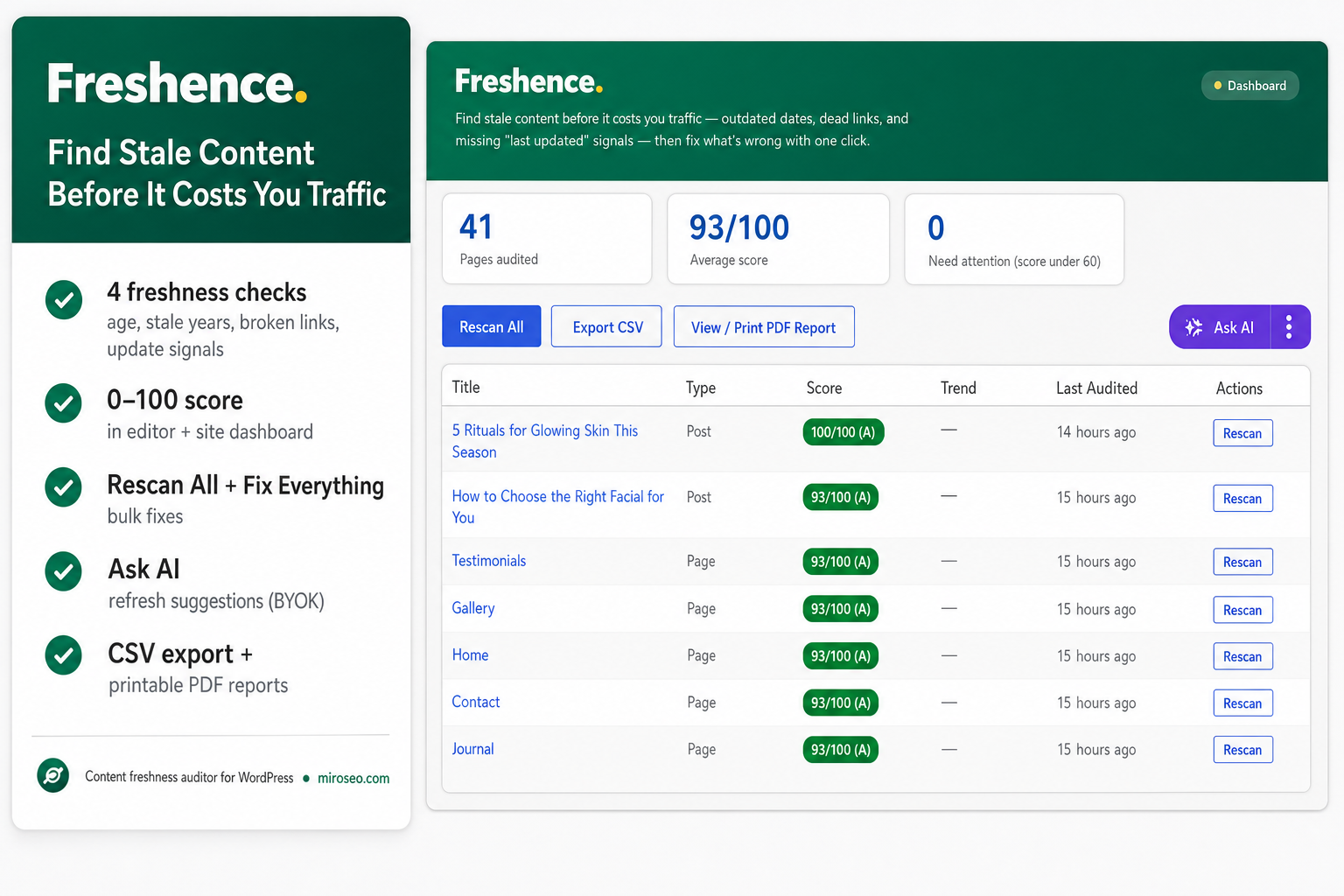
SEOFreshence
Content freshness WordPress plugin — stale dates & broken links
- Stale content
- Broken links
-
 WooCommerce
MiroCart Recovery
WooCommerce cart recovery WordPress plugin
- Recovery emails
- WhatsApp follow-up
-
-
Featured 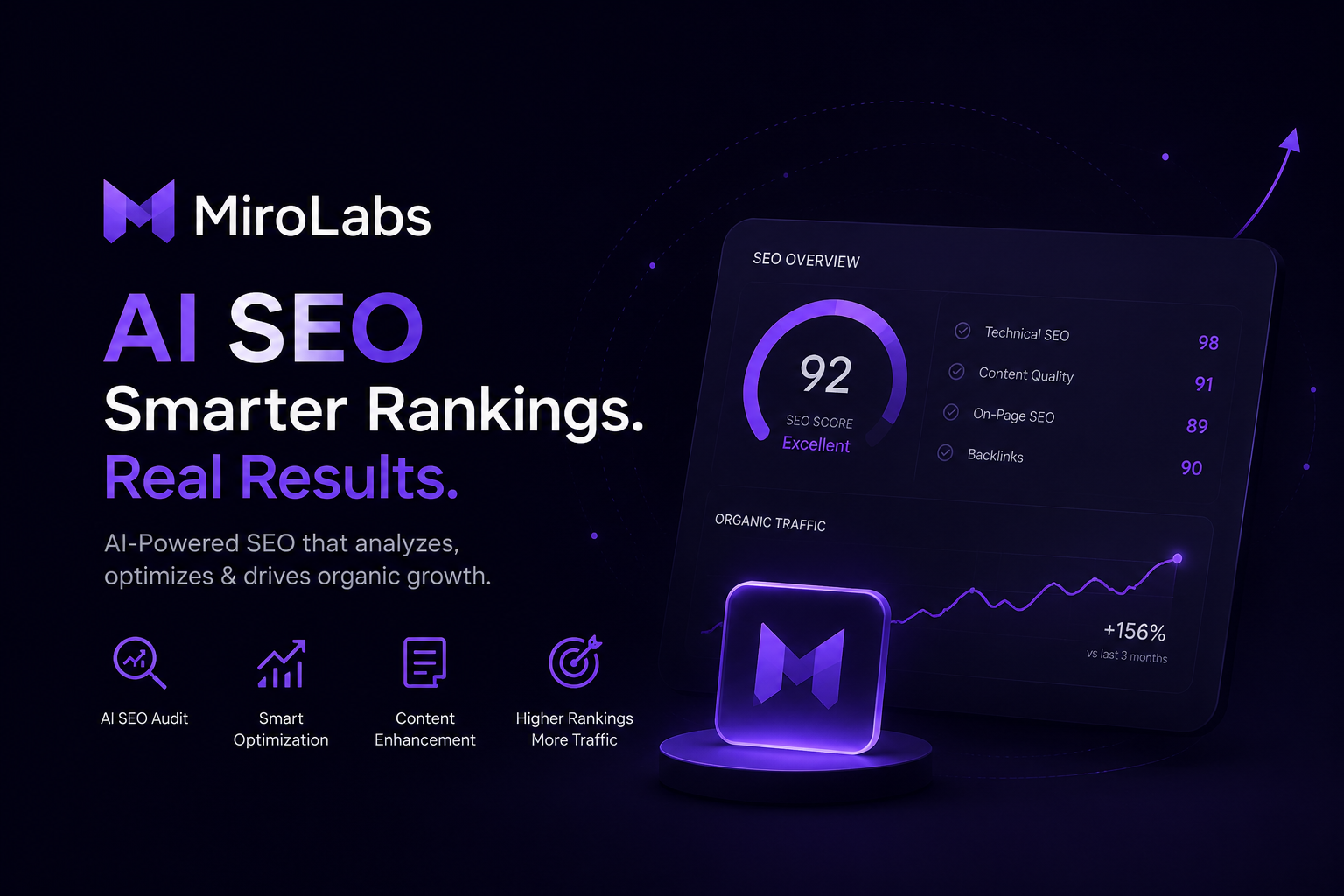 SEO
SEOMiroLabs
AI SEO WordPress plugin — Search Console, content & rank tracking
- Free version
- Search Console
- AI content suite
- Rank tracker
-
 Digital Commerce
MiroSell Digital
Digital downloads WordPress plugin for WooCommerce
- Secure file delivery
- Download portal
-
 Booking
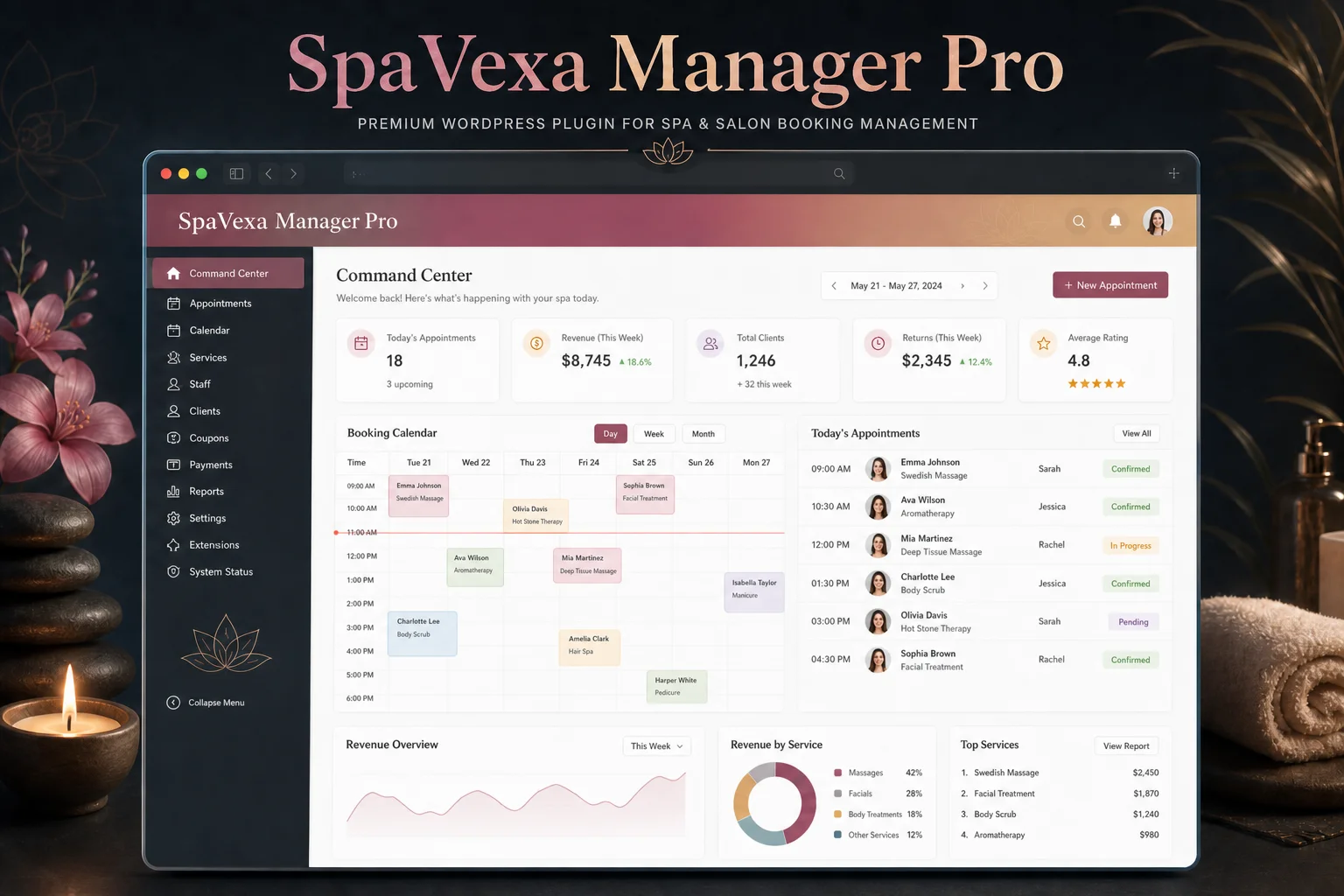
SpaVexa Manager Pro
Booking for spas, salons & beauty clinics — no monthly SaaS fees
- Free version
- Deposits & invoices
- SMS reminders
-
 SEO
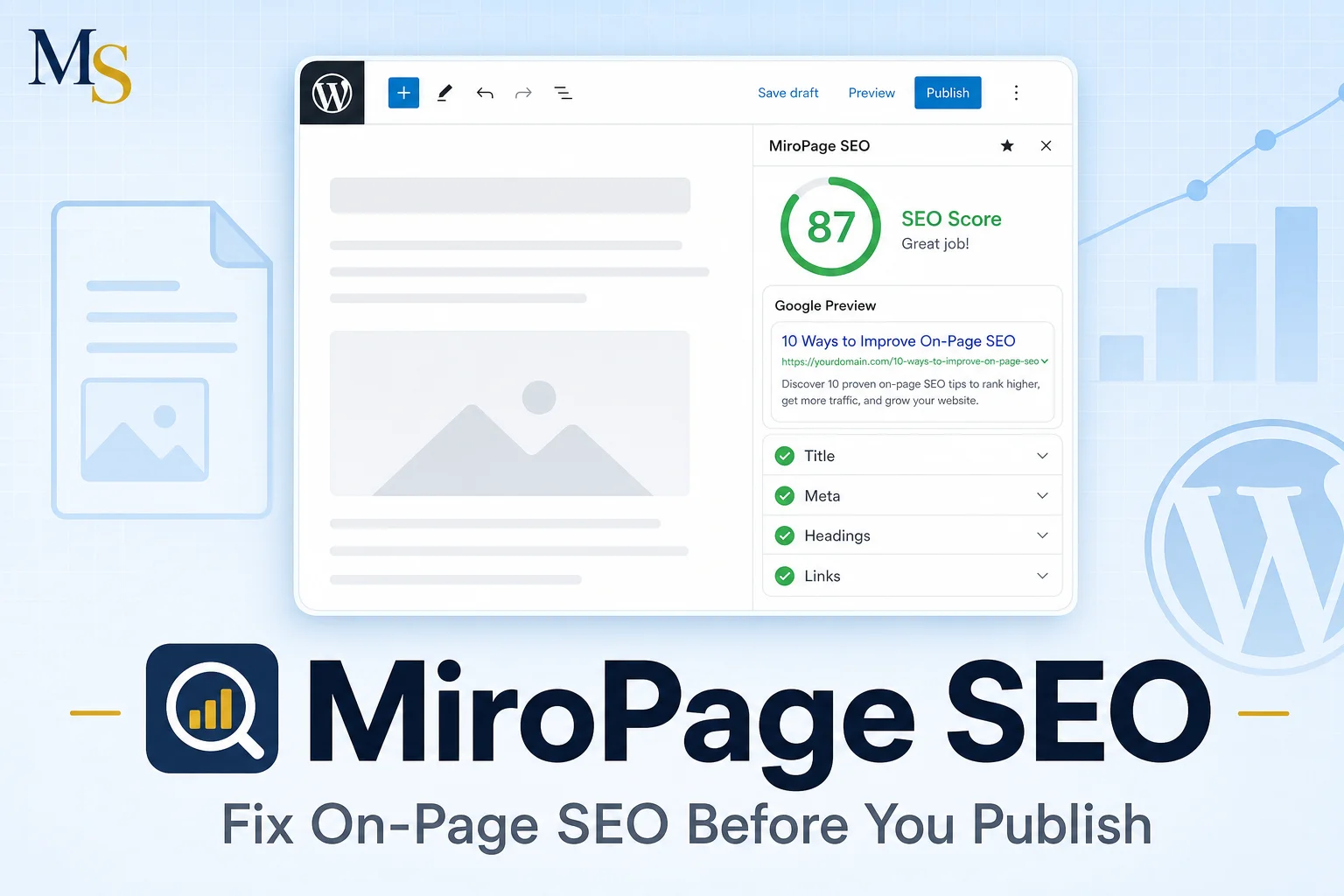
SEOMiroPage SEO
On-page SEO WordPress plugin — audit & fix before publish
- 22+ on-page checks
- One-click fixes
-
Try before you buy
2 plugins have a free version
Install the free edition from WordPress.org, then upgrade with a one-time license whenever you need the Pro features.
Buying guide
Which WordPress plugin do you need?
Every plugin is sold separately, so you only install what your site actually needs. Start from the goal that matches your situation.
You want more organic traffic
Start with on-page quality and content health. These plugins audit what you publish, keep older posts accurate, and prepare pages to be cited by AI search.
You run a WooCommerce store
Recover checkouts you already earned and sell digital products without a separate platform. Both plugins work inside your existing WooCommerce setup.
You serve a local area
Local visibility now depends on structured data and consistent business details that AI assistants can read and repeat correctly.
You take bookings or appointments
Run scheduling, staff, and deposits inside WordPress instead of paying a monthly booking SaaS for every location.
FAQ
Questions people ask before buying
Licensing, updates, refunds, and setup — answered before you reach checkout.
Are MiroSEO licenses one-time or a subscription?
Every plugin in the marketplace is sold as a one-time license, starting at $29. You pay once for the site count in your plan and there is no recurring subscription unless a product page states otherwise.
Do I get updates after buying?
Yes. Eligible licenses include lifetime updates for the major version you purchased, delivered automatically inside your WordPress dashboard once the license key is activated.
Can I use a license on client websites?
Yes, as long as you stay within the site count of your plan. Starter covers a single site, while Pro and Agency tiers cover multiple sites, which is the option most freelancers and agencies choose.
Is there a refund policy?
You can request a refund within 14 days if the plugin does not work on a supported stack. Email info@miroseo.com with your license key and a short description of the issue.
Are there free versions I can try first?
MiroLabs AI SEO and SpaVexa Manager are available free on WordPress.org, and several plugins offer a locked demo site so you can browse the full interface with sample data before buying.
How do I download and install a plugin after purchase?
Checkout is handled securely through Paddle. You receive your license key and download link by email immediately, then upload the zip under Plugins → Add New → Upload Plugin and paste the key on the plugin license screen.
Will these plugins conflict with Yoast or Rank Math?
No. MiroSEO plugins are built to run alongside Yoast, Rank Math, AIOSEO, and SEOPress. They read your existing titles, meta descriptions, and focus keywords instead of replacing your main SEO plugin.
What do the plugins require to run?
Most plugins need WordPress 6.4 or newer and PHP 8.0 or newer. WooCommerce is only required for the commerce plugins, and AI features are optional and use your own API key.
Still deciding?
Not sure which plugin fits your site?
Compare every plan side by side, or tell us what you are trying to fix and we will point you to the right tool.