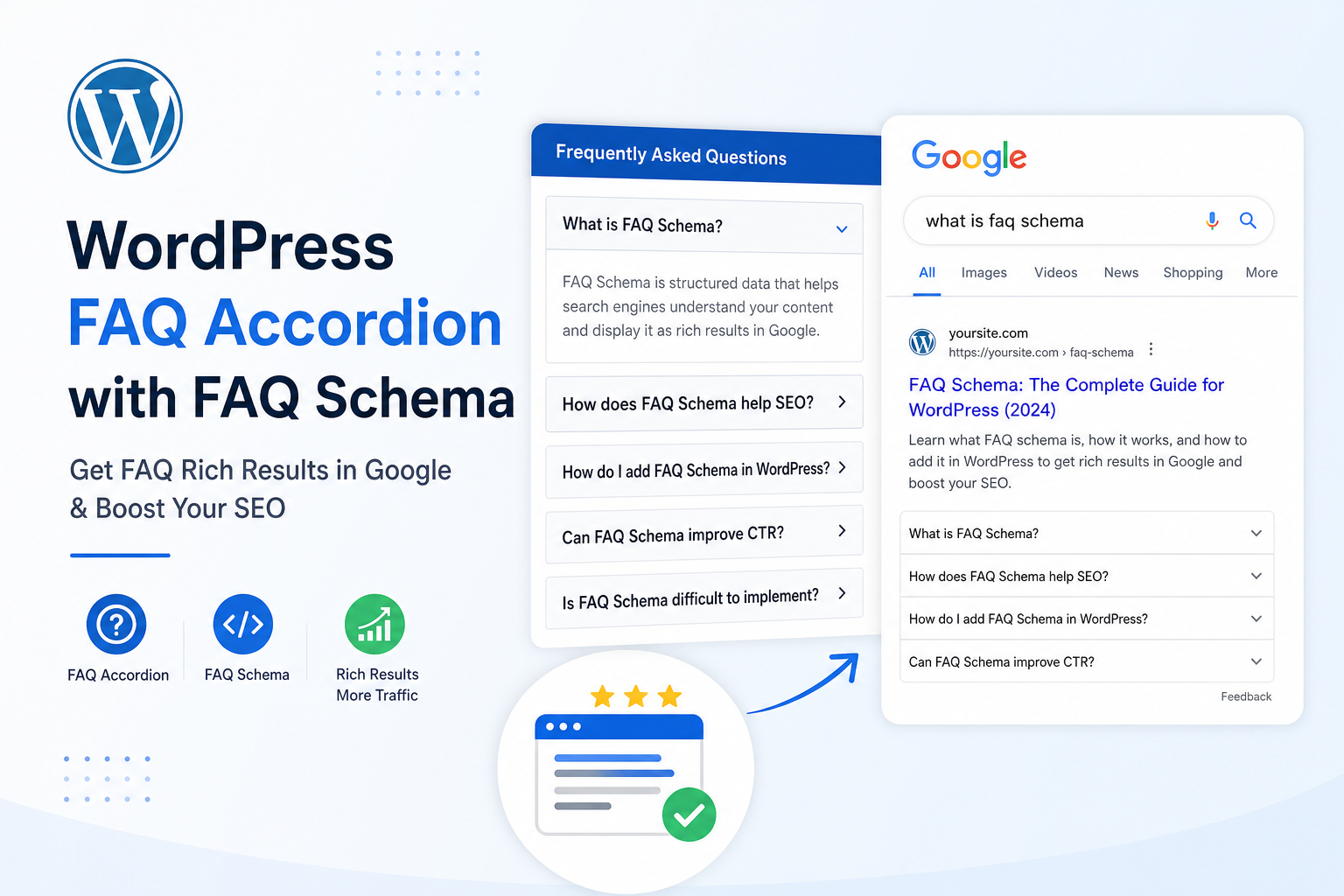
FAQ rich results looked like free SERP real estate — expandable questions under your listing, more pixels, more clicks. Then Google tightened eligibility, removed FAQ rich results for most sites, and cracked down on schema that didn’t match visible content.
FAQ schema on WordPress still has value for clarity, AI answers, and occasional rich display — but the bar is higher. Here’s how to implement it without the patterns that trigger ignores or penalties.
What FAQ Schema Does Today
FAQPage structured data marks up question-answer pairs. Google may show them as rich results in limited cases — primarily authoritative government and health sites for many query types now.
Even when rich results don’t show, clean FAQ markup helps search engines and answer engines understand your content. That aligns with getting mentioned in AI answers — clear Q&A blocks are quotable.
Don’t add FAQ schema expecting guaranteed expandable SERPs on every blog post. Do add it when you have real FAQs users see on the page.
Rule 1: Visible on Page = In Schema
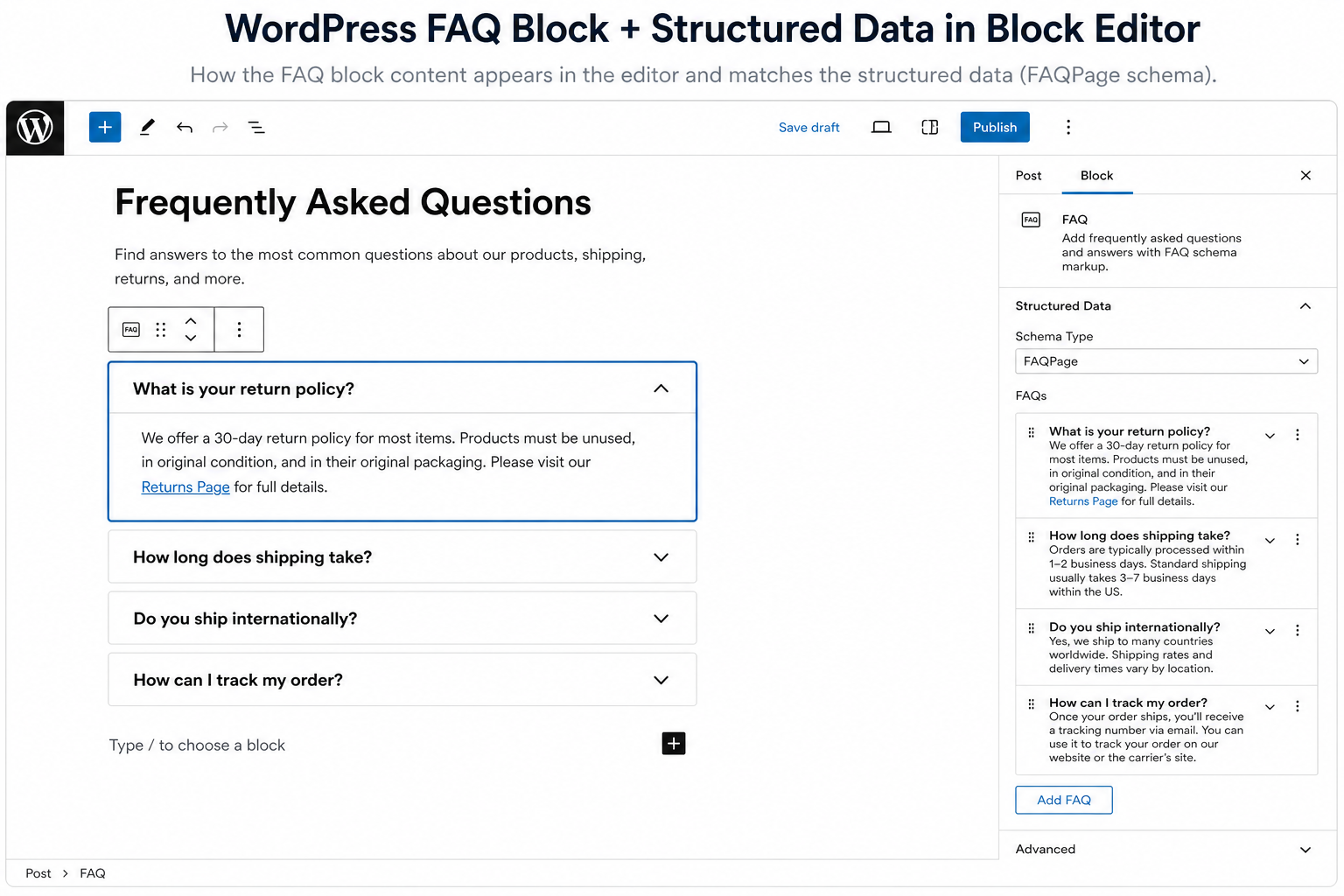
Every Question in JSON-LD must appear visibly on the page — accordion, heading + paragraph, FAQ block. Hidden divs, schema-only FAQs, or collapsed content that isn’t in HTML for users = violation territory.
Test: Can a visitor read every question and answer without opening dev tools? If no, fix visibility before adding schema.
Rule 2: One FAQPage Per URL (Usually)
One primary FAQPage entity per URL with related questions. Don’t stack multiple FAQPage blocks from theme, SEO plugin, and FAQ plugin on the same post.
Same duplicate-schema problem as product schema conflicts — pick one generator.
Rule 3: Questions Must Be Real User Questions
“What is the best SEO plugin 2026 buy now cheap?” is not a FAQ. It’s keyword stuffing in question form.
Good FAQs come from:
- Support tickets and pre-sales emails
- People Also Ask research for your topic
- Sales objections (“Do you offer refunds?” “How long is shipping?”)
- Product specs customers actually ask
Rule 4: Answers Must Be Complete and Accurate
One-word answers rarely help anyone. Two sentences minimum for real questions. Don’t copy answers from manufacturer pages every competitor uses.
For WooCommerce: shipping time, returns, compatibility, warranty — accurate policy answers, not marketing fluff.
How to Add FAQ Schema on WordPress
Option A: SEO plugin blocks (Yoast / Rank Math)
Both offer FAQ blocks in editor. Visible content + schema generated together — good default if you already use one plugin.
Option B: Dedicated FAQ plugins
Accordion plugins with schema output — verify only one FAQ block per page and schema matches accordion text exactly.
Option C: Manual JSON-LD
For developers: custom JSON-LD in theme or snippet plugin. Maximum control, maximum responsibility to keep sync with visible HTML.
Common Mistakes
- FAQ schema on every post — only use where FAQ content exists
- Duplicate questions — “What is X?” and “Tell me about X” as separate entities
- Advertising in answers — schema answers should inform, not read like ads
- Stale answers — pricing, shipping, features change; schema must update
- FAQ on thin pages — 3 generic FAQs won’t save a 100-word page from crawled not indexed
FAQ Schema vs FAQ Page vs Blog Post
Dedicated FAQ page: Central policies and support — strong FAQPage candidate.
Product page: 3–8 product-specific questions — good for buyers and markup.
Blog post: Use FAQ section at bottom only if post naturally answers multiple related questions. Don’t bolt on schema for rich-result chasing.
Validation Workflow
- Publish page with visible FAQ section
- Rich Results Test on live URL
- Confirm one FAQPage, question count matches visible count
- View source — compare JSON-LD answer text to rendered HTML character-for-character on policy details
- Re-test after cache purge or CDN update
When to Skip FAQ Schema Entirely
Skip if you can’t maintain visible FAQs, if plugin duplicates other schema, or if “FAQs” are just H3 keyword headings with no real Q&A structure.
Invest in content and ranking fundamentals first on thin pages.
Tools
- Citence — structured data checks across site in batch
- MiroPage SEO — heading and content structure before you layer schema
The takeaway
FAQ schema on WordPress works when questions are real, answers are visible and accurate, and one clean FAQPage block matches the page. It’s not a rich-result hack anymore — it’s structured honesty that helps Google and AI systems quote you correctly.