A 404 isn’t an SEO disaster by itself. Google knows sites have dead links. What hurts is treating 404s badly — soft 404s that return 200, 404 pages that trap users, or redirecting every missing URL to the homepage like a black hole.
Your WordPress 404 template is a recovery tool. Done right, it keeps visitors on site and signals to Google that missing URLs are genuinely gone — not broken empty pages.
Here’s 404 page SEO that helps users and crawlers without the lazy “redirect all 404s home” hack.
Hard 404 vs Soft 404 vs Redirect
Hard 404: HTTP 404 status, helpful page body. Correct for deleted content with no replacement.
301 redirect: Content moved permanently — use when replacement URL exists.
Soft 404: Returns 200 but page is empty/useless — Google may classify separately. See soft 404 guide.
Bad: 404 page that 302s everyone to homepage — confuses users and crawlers tracking old URLs.
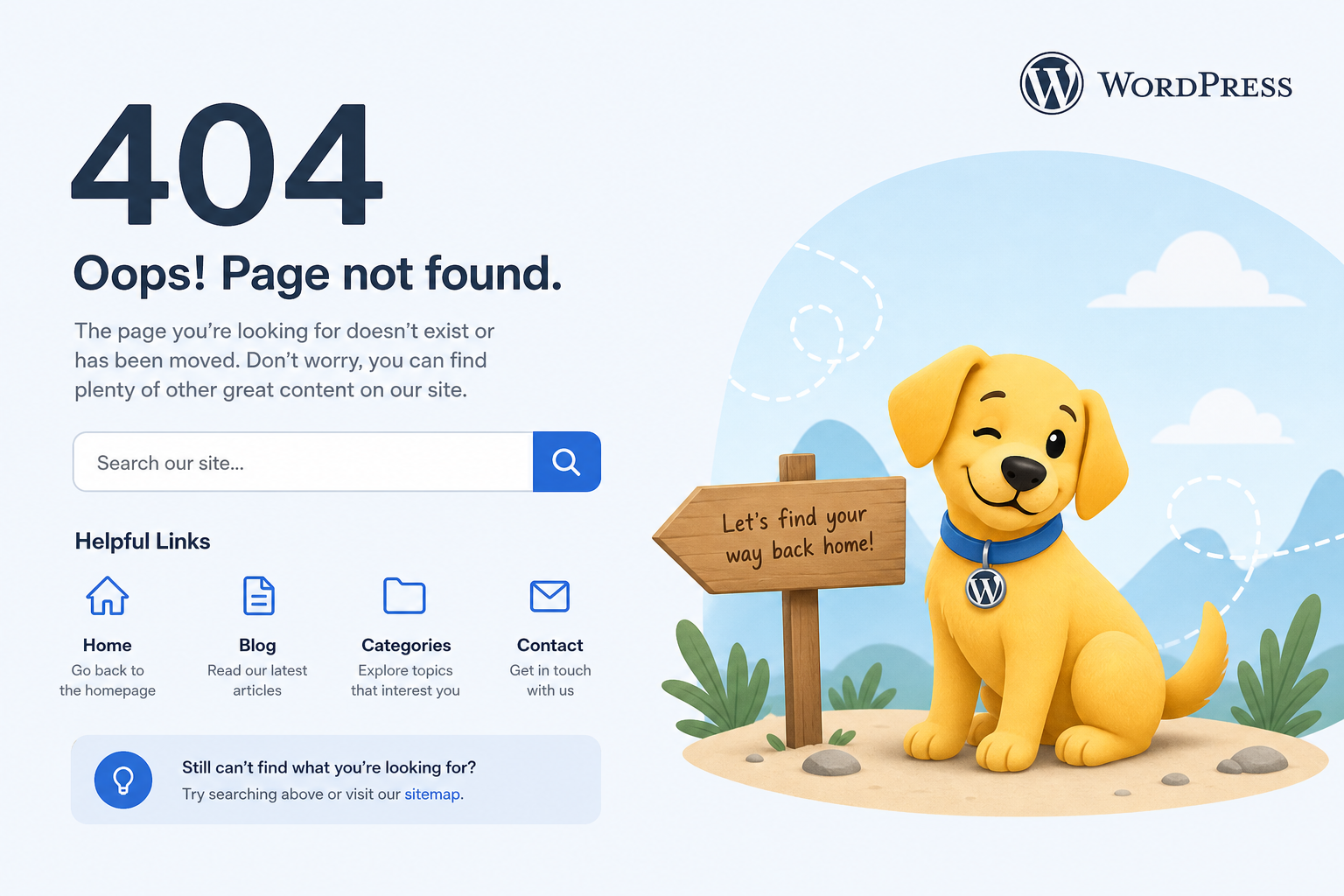
What a Good WordPress 404 Should Include
- Clear “page not found” message — human language
- Site search or popular links
- Links to main categories, shop, contact
- Same header/nav as rest of site — users orient fast
- Proper 404 HTTP status — theme should send it (most do)
- Light tone optional — don’t blame the user
404 is UX + crawl clarity, not a keyword landing page. Don’t stuff “best SEO services 404 error” into template.
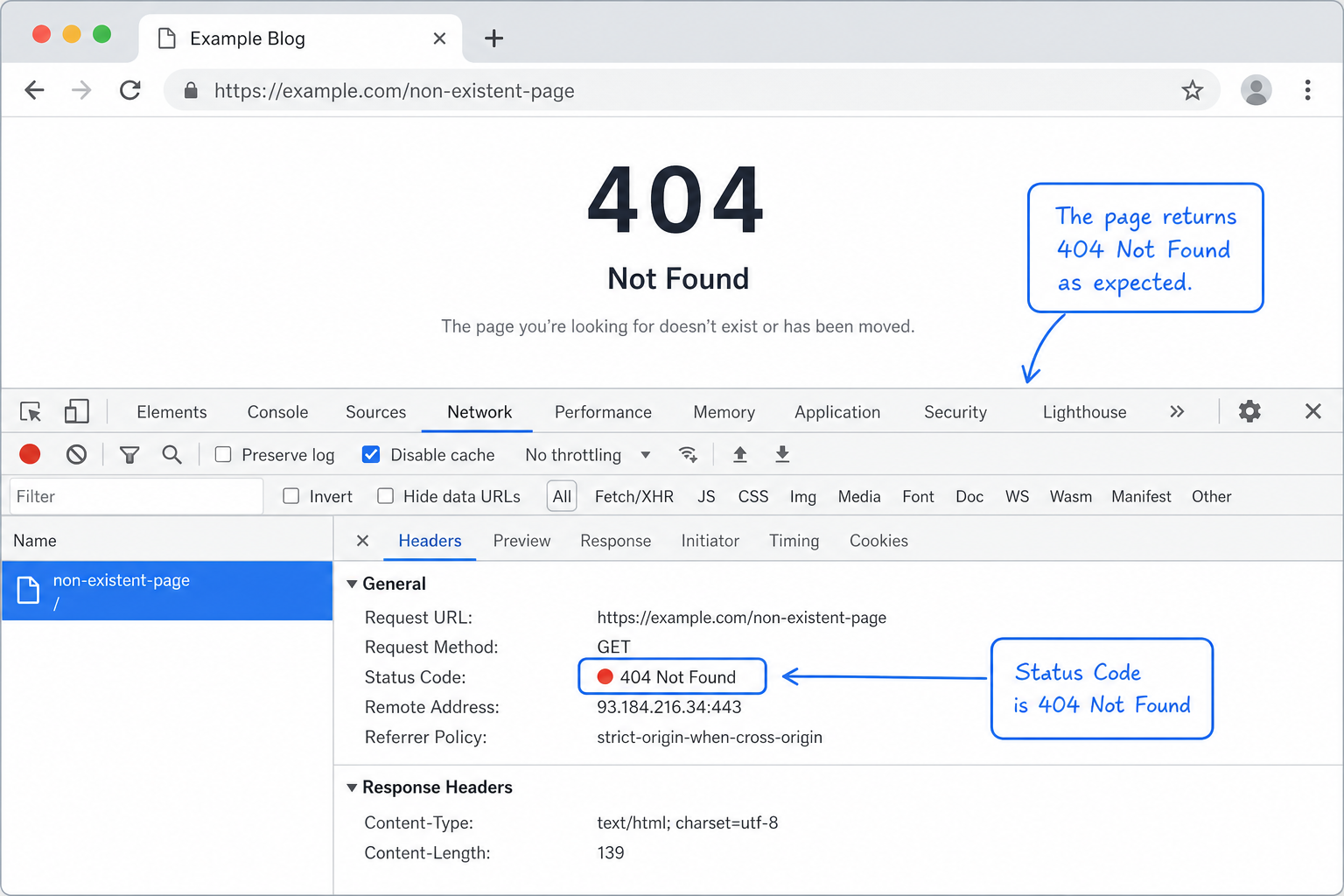
404 Status Verification
Test /this-url-does-not-exist-12345 with:
- Browser devtools — status 404
- curl -I — HTTP/1.1 404
- Search Console URL Inspection on fake URL
Some page builders or custom templates accidentally return 200 on 404.php — triggers soft 404 classification.
When to 301 Instead of 404
- URL permanently moved — point to new location
- Product replaced — successor product redirect
- Merged blog posts — 301 to combined post
- Typo in old marketing link with clear equivalent
When NOT to 301: no relevant replacement — 404 or 410 is honest.
404 vs 410 Gone
410 tells Google “deliberately removed, stop trying.” Useful for mass pruned content, expired products, hacked spam URLs cleaned up. Faster deindex signal than 404 in some cases.
Find 404s Worth Fixing
- Search Console → Pages → Not found (404)
- Sort by internal links or external referrals if visible
- Analytics landing pages with 404 — broken campaigns
- Crawl site for internal links pointing to 404
Fix source links AND decide redirect vs keep 404. Pair with broken link cleanup.
Custom 404 in Theme vs Plugin
Most themes include 404.php. Customize via child theme — add search, featured products, recent posts. Plugins exist for fancy 404 builders — keep status code correct.
WooCommerce 404 Patterns
- Discontinued products still linked — redirect or 404
- Category slug change — 301 map, not 404 storm
- Faceted filter URLs bookmarked — often should noindex, not custom 404
404 and Redirect Chain Interaction
Old URL → 301 → wrong target → user hits soft content. Flatten redirects — redirect chains guide.
Monitoring
Monthly GSC 404 review — top 10 by impressions or links. Redirect or fix inbound links. Ignore random bot-probed URLs with zero links.
Tools
- Citence — 404/broken link patterns in audits
- MiroPage SEO — prevent publishing links to dead drafts
The takeaway
WordPress 404 page SEO: return real 404 status, help users navigate elsewhere, 301 when content moved, 404/410 when gone. Never mass-redirect all errors to homepage. Monitor GSC 404 report and fix high-value broken URLs — template quality turns errors into second chances, not dead ends.