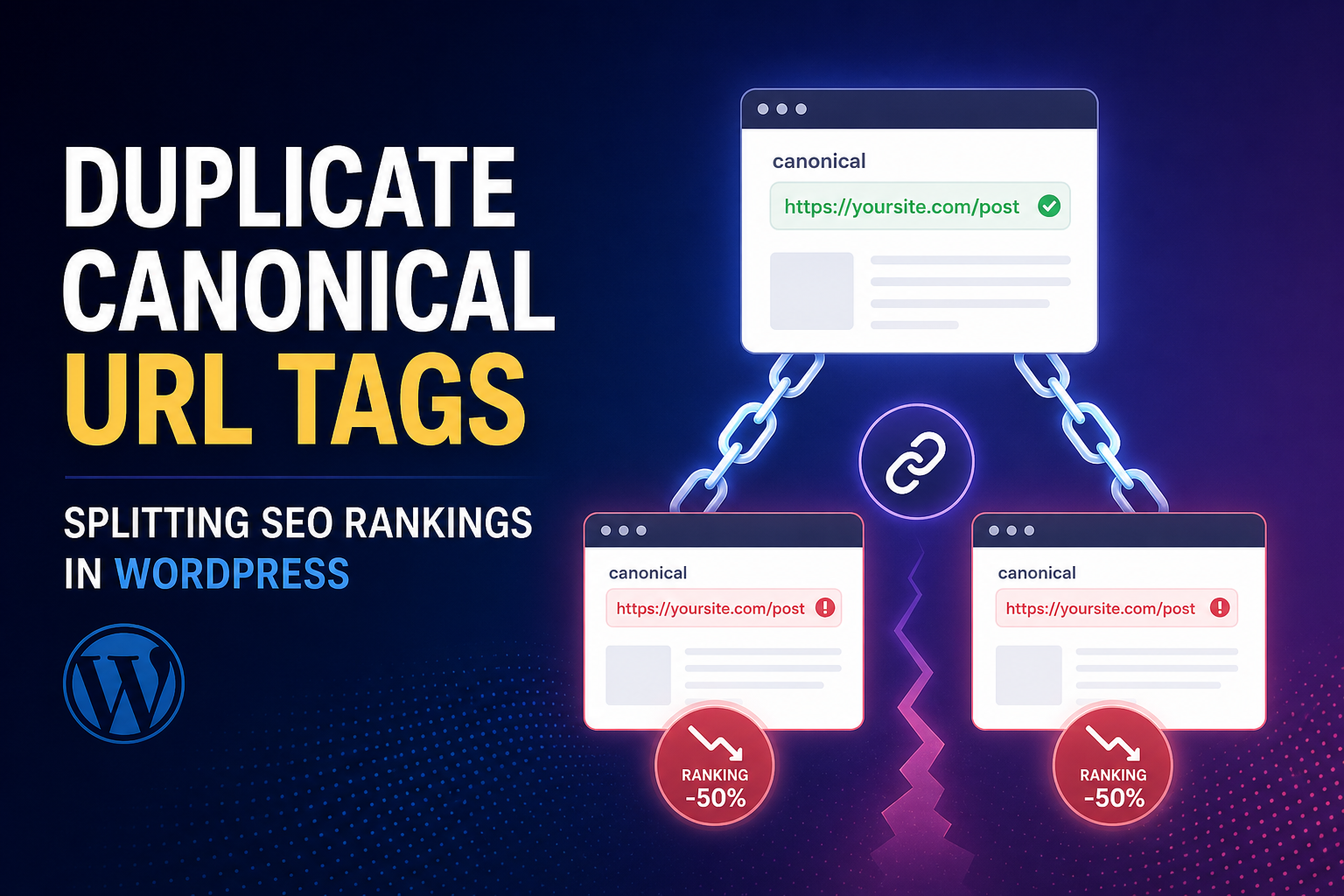
Two URLs, same content, one ranks — maybe. Or neither ranks well. Google picked a canonical you didn’t want, or split signals because your canonical tags disagree with redirects, hreflang, and internal links.
Canonical tags tell Google “this is the preferred version.” WordPress generates them via SEO plugins, WooCommerce, themes, and sometimes all three at once. When canonicals lie, you get duplicate content confusion without duplicate content penalties — just quiet ranking leakage.
Here are the canonical mistakes we see on WordPress sites and how to fix them in the right order.
What a Canonical Should Do
Each indexable URL should have one canonical — usually self-referencing on the definitive version. Parameters, print views, comment pages, and alternate paths should canonical to the main URL.
Canonical is a hint, not a command — but strong hints matter when internal links and sitemaps agree.
Mistake 1: Missing or Duplicate Canonical Tags
No canonical — Google guesses. Two canonical tags — Google guesses which to trust.
Common cause: SEO plugin + theme + page builder each output link rel=”canonical”. View source — count them.
Fix: One canonical source. Disable extras in theme/page builder settings.
Mistake 2: HTTP vs HTTPS or www Mismatch
Page loads on https://www.site.com/post, canonical says http://site.com/post. Mixed signals with redirects and internal links.
Fix: WordPress Address and Site Address match live protocol/domain. SEO plugin canonical uses same. Force HTTPS site-wide.
Mistake 3: Canonical Points to Wrong URL After Migration
Old domain still in canonical after domain change. Staging URL in canonical on production.
Fix: Serialized search-replace + verify sample URLs. Part of post-migration cleanup.
Mistake 4: Pagination Canonical Errors
Page 2 of archive canonicals to page 1 — sometimes correct for view-all intent, sometimes wrong if page 2 is indexable with unique purpose. Inconsistent pagination handling across tags/categories.
Fix: Pick SEO plugin pagination policy and apply consistently. Often page 1 canonical for paginated series; or rel=next/prev deprecated — focus on not indexing deep pagination via noindex.
Mistake 5: WooCommerce Parameter and Filter URLs
/shop/?filter_color=blue self-canonicals to parameterized URL instead of clean category. Product variations canonical to wrong parent.
Fix: Canonical filter URLs to category or product base. Set primary category. Align with duplicate title fixes on same URL clusters.
Mistake 6: Canonical to noindexed URL
Page A canonicals to Page B, but B is noindex. Messy graph.
Fix: Indexable pages canonical to indexable URLs. Noindex pages shouldn’t be canonical targets for money content.
Mistake 7: Canonical vs Redirect Conflict
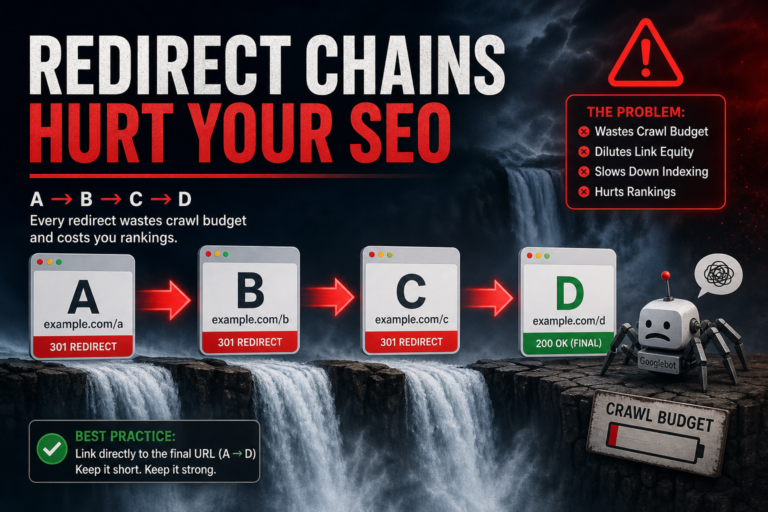
URL 301s to B but A’s HTML (if ever crawled) says canonical A. Or internal links point to A while canonical says B.
Fix: Redirect OR canonical consolidation — prefer 301 for permanently moved URLs. Internal links point to final URL.
Audit Workflow
- Crawl site — filter duplicate titles AND duplicate canonicals
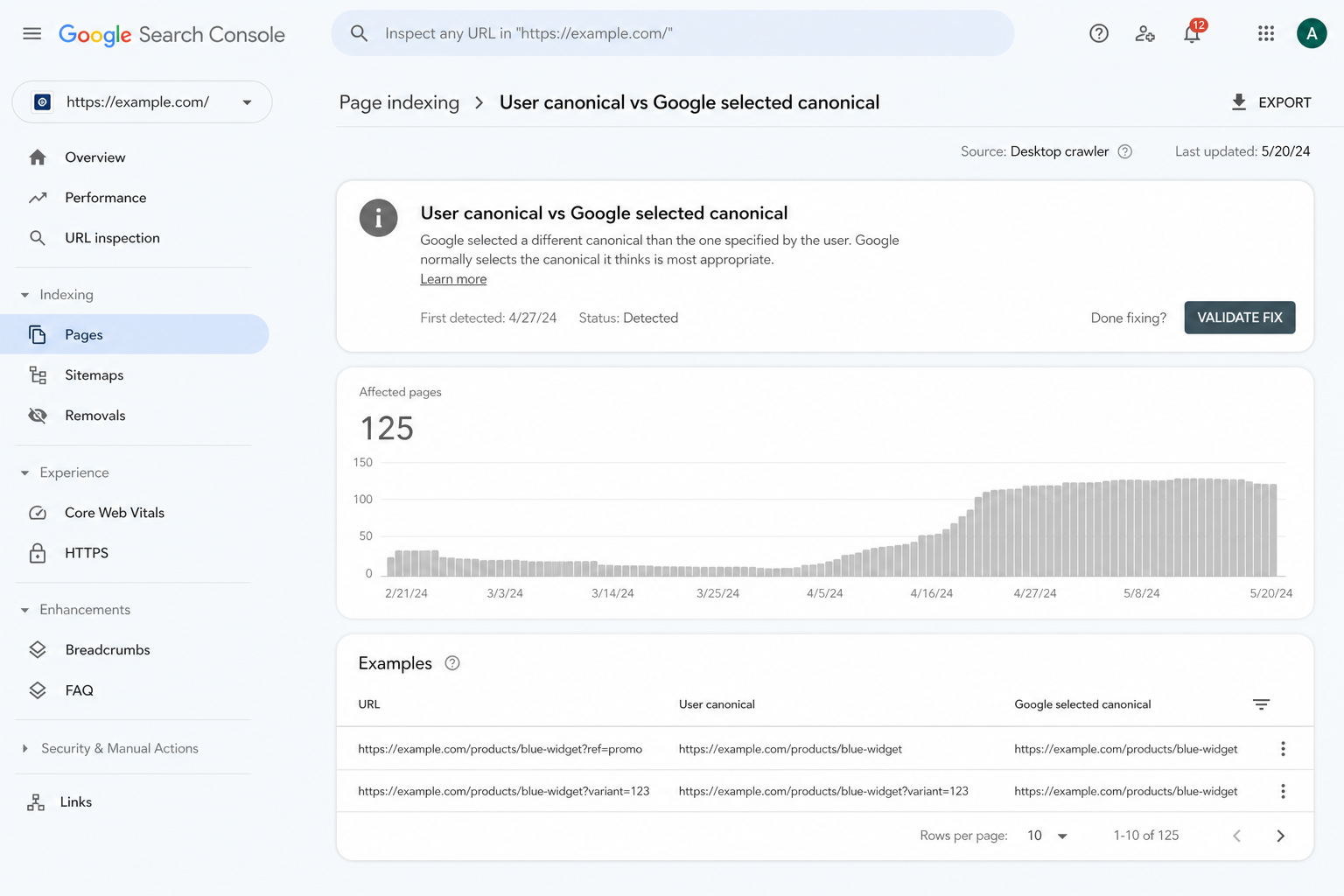
- Sample 10 URLs: view source canonical vs address bar URL vs GSC “Google-selected canonical”
- Fix site-wide settings before per-URL edits
- Re-submit sitemap, monitor GSC canonical user vs Google selected
If Google-selected canonical differs from yours, improve internal links to your preferred URL and fix duplicates — see internal linking.
Canonical vs Noindex Decision
Canonical: duplicate/similar content, prefer one version indexed
Noindex: page should not appear in index at all — thin tag, search, admin leak
Don’t canonical thin tag to homepage — noindex the tag. Guide: noindex tags vs categories.
Tools
- Citence Pro — canonical and duplicate pattern audits
- MiroPage SEO — canonical awareness at publish time
The takeaway
WordPress canonical mistakes come from duplicates, protocol mismatches, migration leftovers, and WooCommerce parameter URLs. One canonical per page, aligned with redirects and internal links. Audit with crawl + GSC “Google-selected canonical” — fix patterns on products and archives before chasing one-off blog posts.