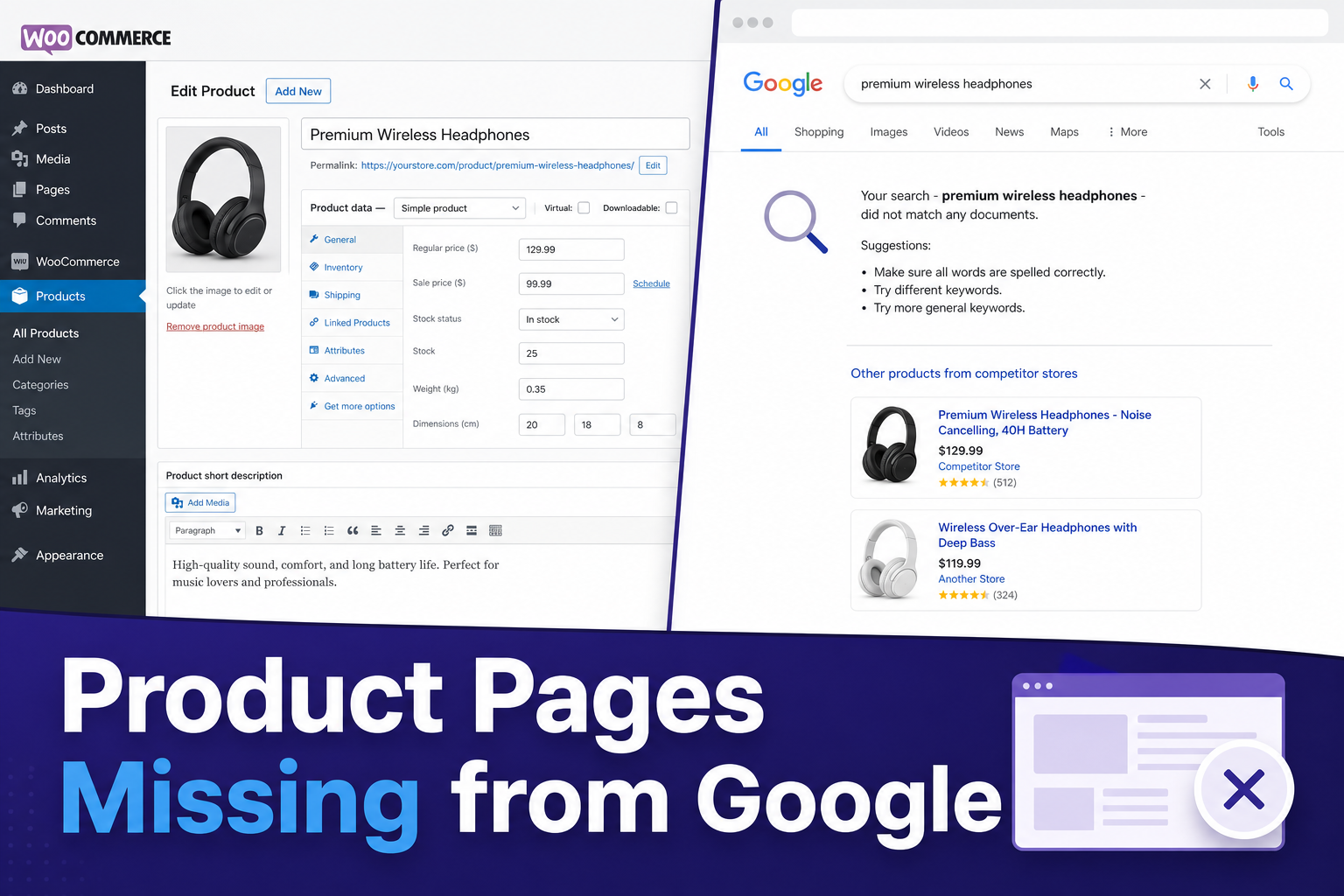
You built the product page. You wrote the description. You added images, set the price, and hit publish. Then you searched Google for the product name… and your store didn’t show up. Maybe a competitor did. Maybe nothing useful did at all.
This happens on WooCommerce stores every day, and most “SEO tips” articles don’t explain why product pages behave differently from blog posts. They’re not the same type of page. Google treats them differently. Your fix list should be different too.
Let’s walk through what’s actually going wrong — and what’s worth your time to fix.
Product Pages Fail for Different Reasons Than Blog Posts
If you’ve read our post on why WordPress blog posts don’t rank, a lot of that still applies here: indexing, search intent, internal links, page speed. But product pages add their own mess.
Thin descriptions copied from the manufacturer. Duplicate titles across variations. Category pages that outrank the actual product. Faceted filters creating hundreds of near-duplicate URLs. Out-of-stock products still indexed. Schema that’s missing or wrong.
So before you rewrite your whole catalog, figure out which bucket you’re in.
Reason 1: Google Hasn’t Indexed the Product URL Yet
Same story as any new page — being in your sitemap doesn’t mean Google indexed it.
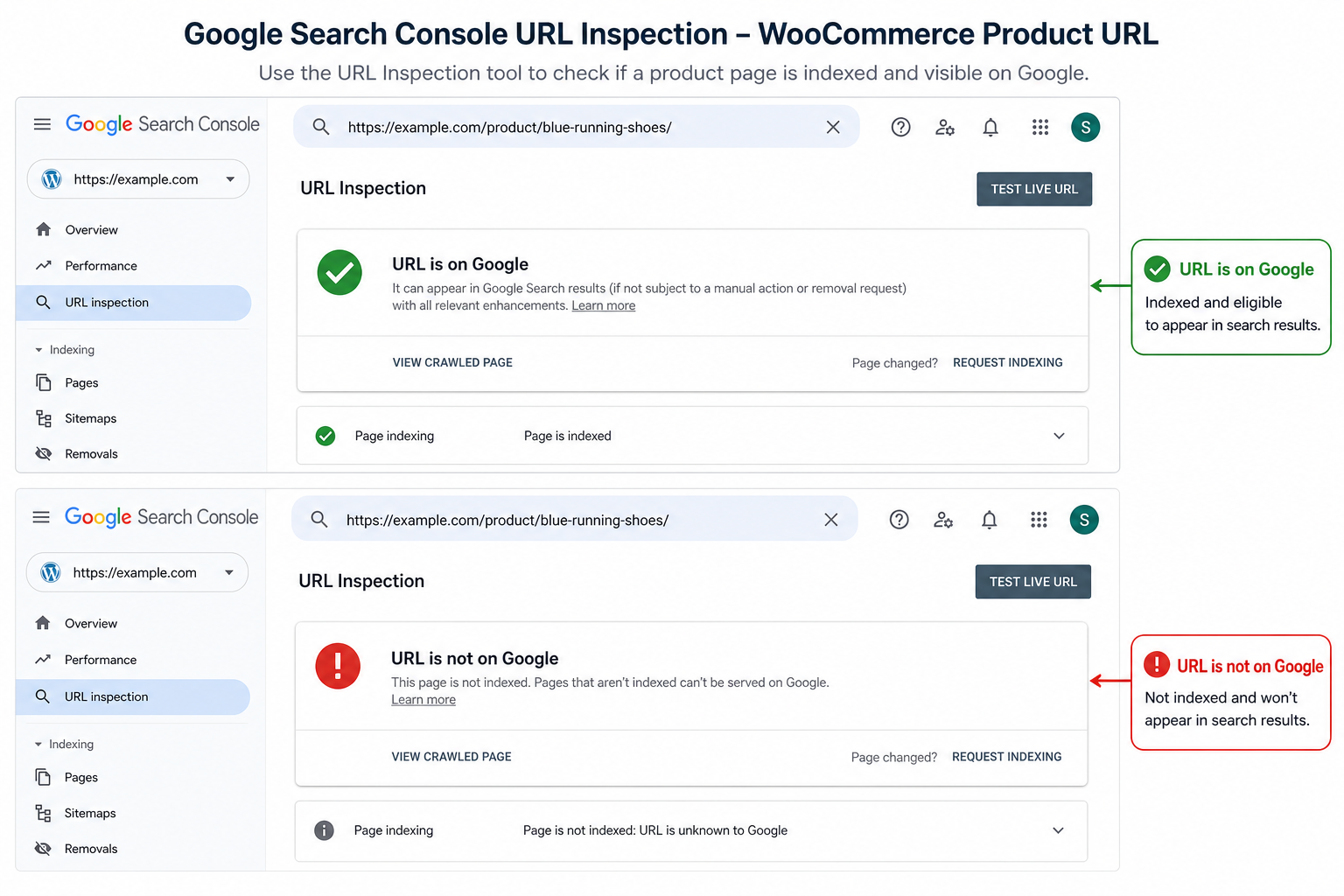
Open Google Search Console → URL Inspection → paste the product URL. If it says “URL is not on Google,” ranking is not your problem yet. Indexing is.
Fix the basics first:
- Submit the URL in Search Console after publishing
- Link to the product from a relevant category page and at least one blog post
- Make sure the product isn’t set to noindex in your SEO plugin or WooCommerce settings
- Check that robots.txt isn’t blocking
/product/or shop paths by mistake
We’ve seen stores spend hours rewriting product copy while the page was still noindexed from an old staging import. Check that before anything else.
Reason 2: Your Product Description Is Too Thin (Or Copied)
Google doesn’t need a novel on every SKU. But a product page with a manufacturer blurb, no headings, and nothing unique about your store is a weak page.
“Copied from supplier” is worse. If the same paragraph exists on fifty other websites, Google has no reason to show yours.
You don’t need 2,000 words on a simple product. You do need:
- A clear H1 (usually the product name — don’t fight WooCommerce on this unless you have a good reason)
- A short intro that says who it’s for and why someone would buy it from you
- Specs, sizing, compatibility, or use cases in scannable sections (H2/H3)
- FAQ if people actually ask questions before buying
Write for the buyer first. SEO second. The buyer content usually fixes the SEO problem anyway.
Reason 3: Variations and Duplicate URLs Are Confusing Google
Variable products are great for customers and annoying for SEO if they’re set up wrong.
Every color/size combination can create parameter URLs, duplicate titles, or thin variation pages with almost no unique text. Google sees a pile of similar pages and picks one — maybe not the one you wanted.
What helps:
- One strong canonical product page with variations handled cleanly
- Unique titles where variations genuinely differ (not “Blue – Blue – Blue”)
- Noindex on low-value filter/sort URLs if your SEO plugin supports it
- Avoid publishing separate simple products when they should be variations of one listing
Reason 4: Your Category Page Outranks Your Product Page
Search “your brand + product type” and the category archive shows up instead of the product. That’s not always bad — category pages can rank for broad terms.
But if you’re trying to rank a specific product for a specific product-name query and the category wins, look at internal linking. Are you linking to the category everywhere and the product nowhere? Does the category have more content than the product page?
Link from blog posts and related products to the exact product URL. Give the product page enough unique content that it’s clearly the best answer for that product query.
Deep dive: WooCommerce product schema mistakes that break rich results.
Reason 5: Missing or Broken Product Schema
WooCommerce can output product schema, but themes and plugins break it all the time. Double schema, wrong price, missing availability, review markup that doesn’t match what’s on the page — all of that can muddy how Google understands the listing.
View page source or use Google’s Rich Results Test on a live product URL. Fix what’s wrong. Don’t add fake reviews or prices “for SEO.” That’s how you get manual actions, not rankings.
Reason 6: The Site Is Slow on Mobile at Checkout… and Everywhere Else
Product pages are image-heavy. Sliders, zoom scripts, related product carousels, chat widgets, pixel trackers — it adds up fast on mobile.
Test on a real phone with mobile data, not just PageSpeed in dev tools on Wi‑Fi. If the gallery takes forever to load, people bounce and Google notices the experience is rough.
Compress images, lazy-load what you can, and kill plugins you’re not using. Boring advice. Still true.
What to Do This Week (Practical Order)
- Pick your top 10 products by revenue or margin
- URL Inspection each one in Search Console — indexed or not?
- Fix noindex/canonical/robots issues on anything that should sell
- Rewrite thin descriptions on those 10 — unique, useful, structured
- Add internal links from blog posts, homepage features, and related products
- Re-test schema on two or three URLs
Don’t rewrite your entire catalog in one weekend unless you enjoy burnout. Fix the money pages first.
Related MiroSEO tools
- MiroPage SEO — audit titles, meta, headings, and on-page issues before you publish (works on posts and pages; pair it with solid product copy).
- Citence Pro — WooCommerce product audits, structured data checks, and AI-citation readiness when you want product content to show up in answer engines too.
- Pages not indexed? — start here if Search Console shows crawl issues site-wide.
Stockouts: Out-of-stock product SEO — noindex, keep, or redirect?
The takeaway
WooCommerce product pages don’t rank because you “forgot keywords.” They don’t rank because of indexing gaps, duplicate/thin content, messy variations, weak internal links, or technical SEO problems you never checked after launch.
Fix the structure on your best products first. Then expand. Good product pages earn traffic and sales — bad ones just sit in your catalog taking up database space.