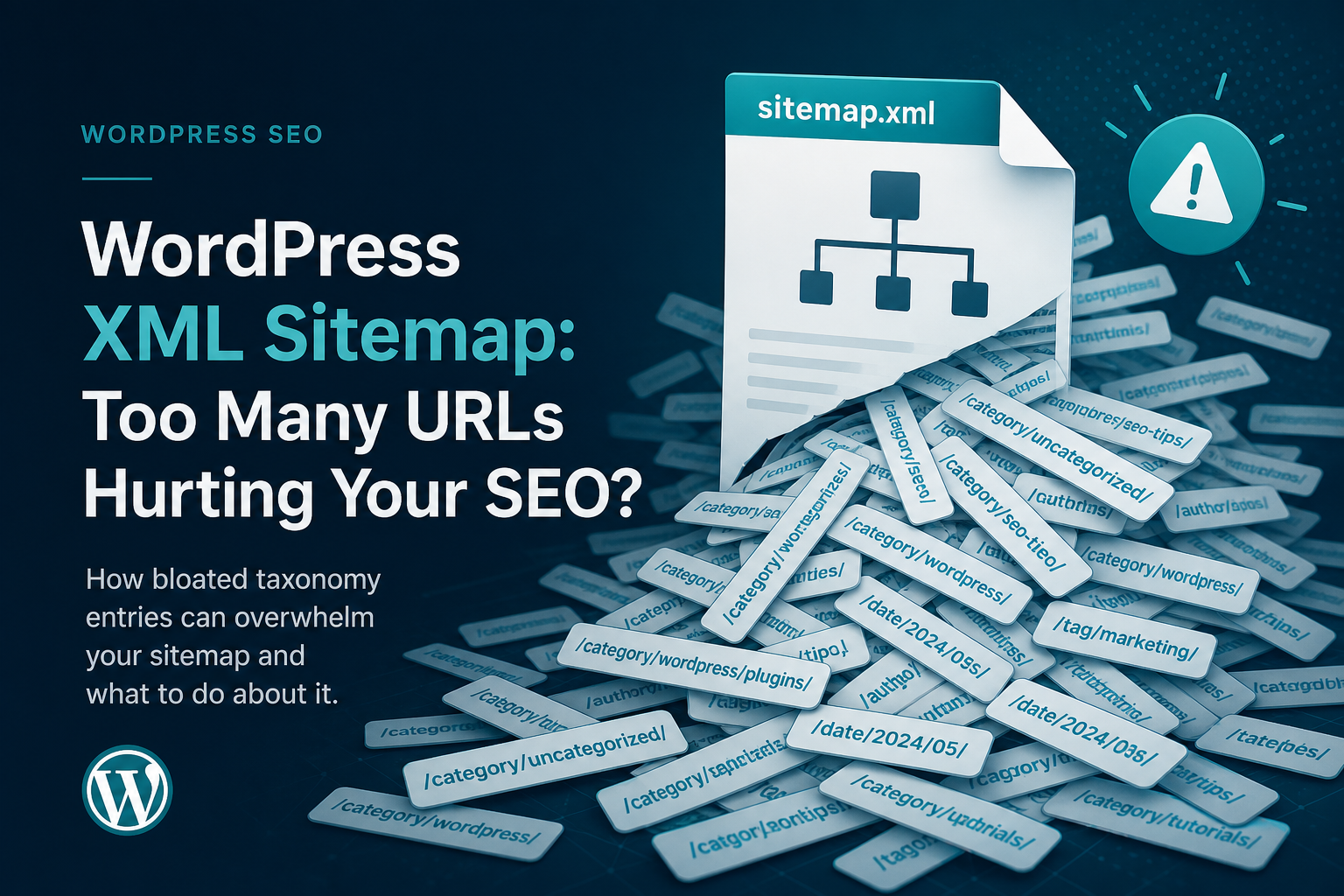
Every SEO plugin ships with “XML sitemap enabled” checked by default. Most site owners never open the settings again. That’s fine until Search Console shows 4,000 URLs in sitemap and half your money pages sit discovered but not indexed.
Sitemaps don’t rank pages. They tell Google what exists. When the list is noisy — tag archives, author pages, attachment URLs, duplicate paths — crawl budget goes to junk while products and service pages wait.
Here are the WordPress sitemap mistakes we see constantly, and the settings that actually clean them up.
Mistake 1: Submitting Everything WordPress Generates
Default sitemaps often include:
- Every post tag (including one-post tags)
- Author archives on single-author blogs
- Post format archives nobody uses
- Media attachment pages
- Paginated comment pages
Google doesn’t need a map to your site’s junk drawer. Each low-value URL in sitemap is a discovery signal that competes with your homepage and product pages.
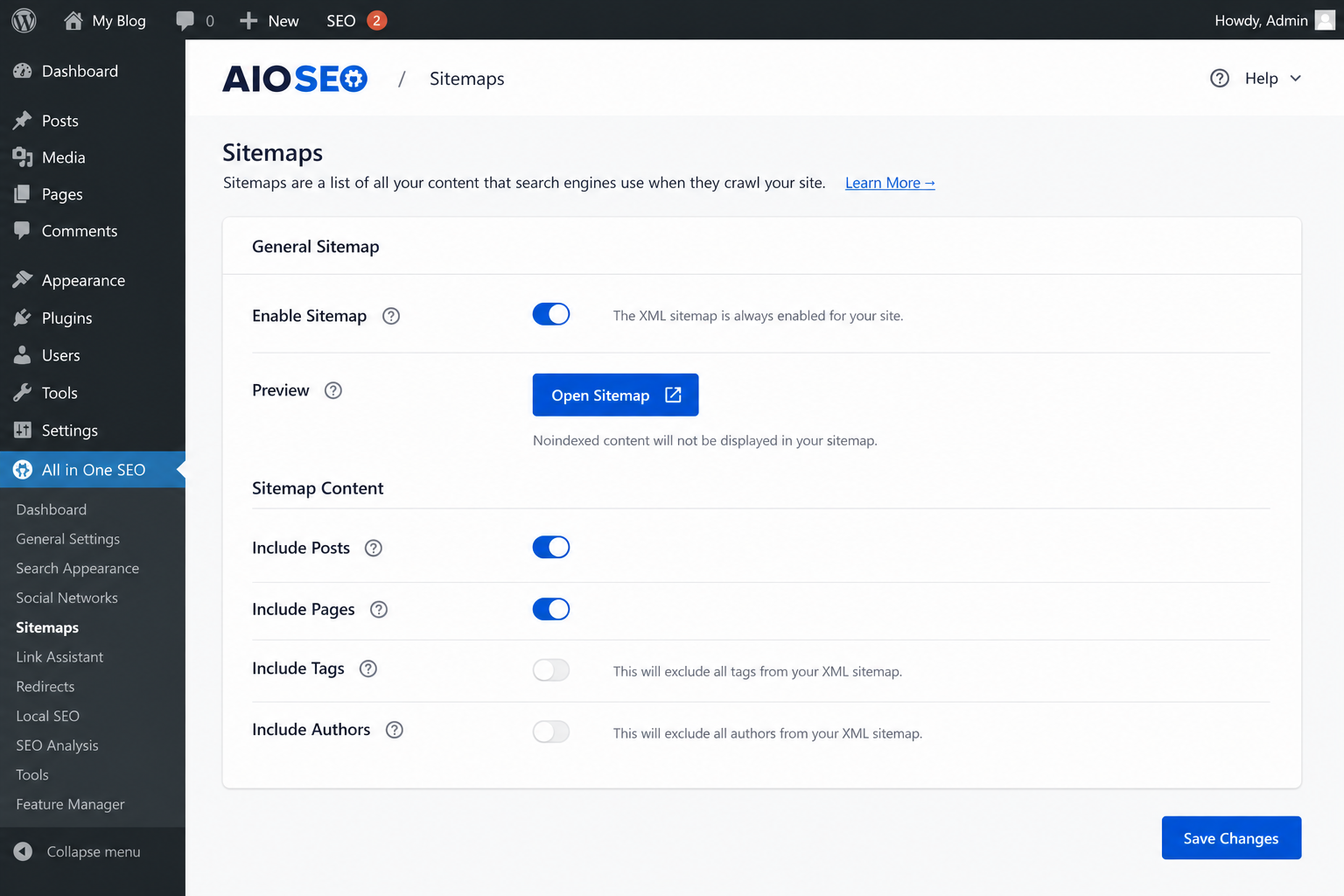
Fix: In Yoast or Rank Math sitemap settings, disable post tags, authors, and formats unless you have a strategic reason. WooCommerce: include products and product categories; exclude cart, checkout, my-account.
Mistake 2: Two Sitemaps From Two Plugins
Yoast and Rank Math both active — or SEO plugin plus a legacy “Google XML Sitemaps” plugin from 2014. Two sitemap indexes in Search Console, overlapping URLs, conflicting lastmod dates.
Fix: One SEO plugin. One sitemap. Remove the other plugin’s sitemap from Search Console after migration. Verify /sitemap_index.xml or /wp-sitemap.xml returns 200 with only intended post types.
Mistake 3: Staging URLs in Production Sitemap
Cloned database still has staging domain in post GUIDs or sitemap base URL. Search Console tries to index staging.yoursite.com/blog/post forever.
Fix: After migration, run search-replace on URLs, regenerate sitemap, resubmit in GSC. Block staging domain in robots.txt and noindex the whole staging site.
Mistake 4: Including noindexed URLs
Tag archives set to noindex but still listed in sitemap. Sends mixed signals — “index this” in sitemap, “don’t index” in meta robots.
Fix: Align sitemap with index intent. If it’s noindex, exclude from sitemap. Read when to noindex tags vs categories before bulk changes.
Mistake 5: Wrong lastmod on Every URL
Some plugins stamp “today” on every URL on each cache flush. Google learns to ignore your lastmod — defeats the purpose.
Fix: Update sitemap plugins. lastmod should reflect real post modified dates. Don’t fake freshness.
Mistake 6: Not Submitting Sitemap in Search Console
Sitemap exists at /sitemap_index.xml but never added under GSC → Sitemaps. Google often finds it anyway — but explicit submission helps on new domains.
Fix: Submit once after launch or major migration. Check “Last read” and error counts monthly, not hourly.
Mistake 7: WooCommerce Filter URLs in Sitemap
Facet plugins or poorly configured SEO tools add parameterized filter URLs — ?filter_color=red — to sitemap. Thousands of near-duplicates.
Fix: Exclude query-parameter URLs. Noindex faceted combinations. Canonical to clean category or product URLs.
Quick Audit Checklist
- Open sitemap index in browser — count child sitemaps
- Spot-check posts, pages, products sitemap — any surprises?
- Compare sitemap URL count to “Indexed” in GSC — huge gap means bloat or quality issues
- Confirm no staging domains, no attachment URLs you don’t want
- One plugin owns sitemap — disable duplicates
If indexed count is low, sitemap alone won’t fix it — pair with pages not indexed troubleshooting and internal linking.
Recommended Sitemap Shape (Most Business WordPress Sites)
| Include | Usually exclude |
|---|---|
| Posts, pages | Tags (unless curated topic hubs) |
| Products, product categories | Cart, checkout, account |
| Important category archives | Author, date, search results |
| Media attachments |
Tools
- Citence — audits surface orphan and noindex/sitemap conflicts site-wide
- MiroPage SEO — keeps new pages clean before they hit the sitemap
The takeaway
WordPress sitemap mistakes are almost always inclusion mistakes — too many URLs, duplicate sitemaps, noindexed pages still listed. Trim the map to what you want indexed, use one SEO plugin, submit once in Search Console, then fix content and links on the URLs that matter.