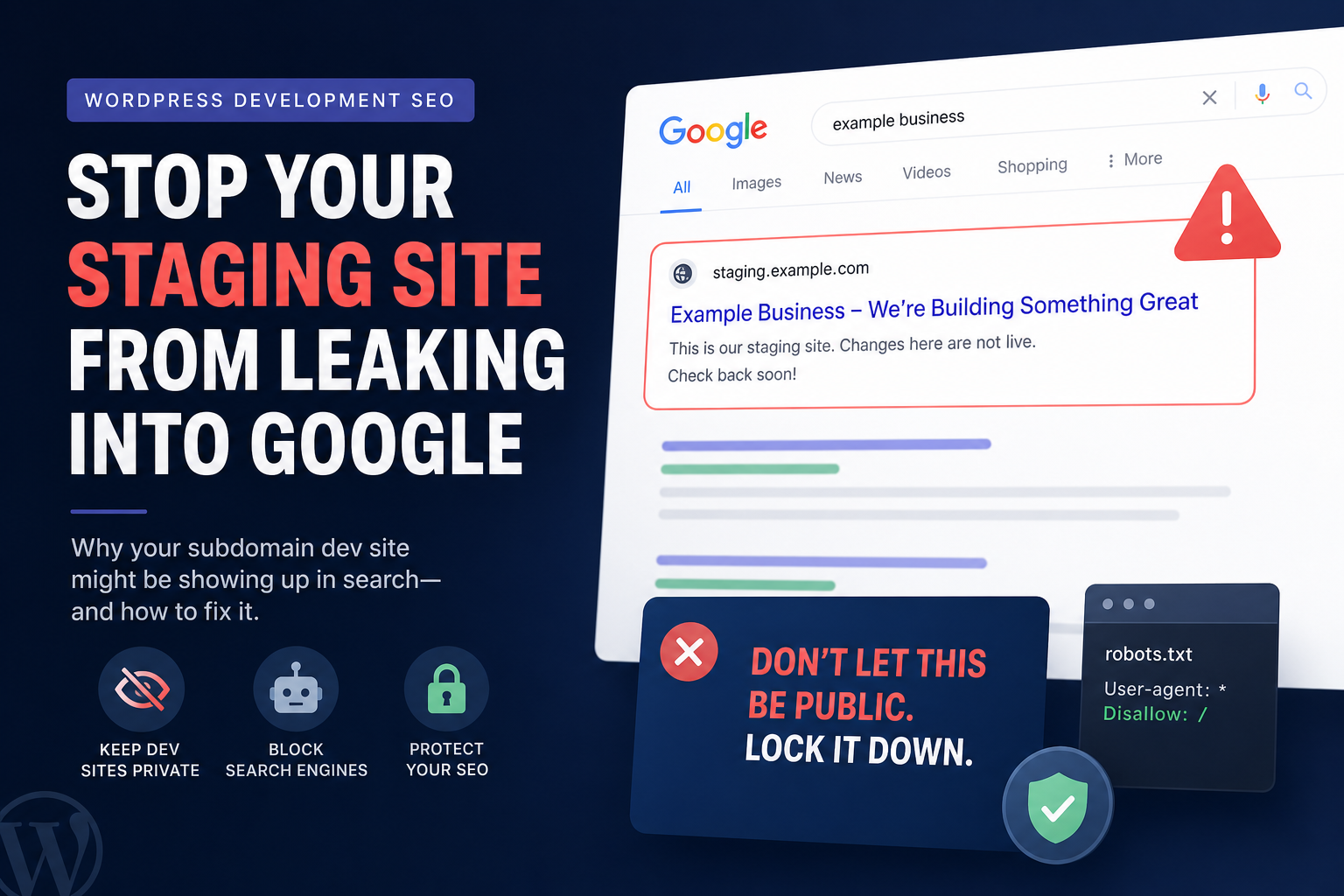
Someone Googles your brand and clicks a result — staging.yoursite.com. Or worse: duplicate homepage on dev subdomain ranking beside production. Clients panic. You should too — duplicate environments in Google split signals and expose unfinished content.
Staging indexed by Google is almost always preventable. When it happens, fix leaks first, block crawlers second, clean Search Console third. Here’s the WordPress-specific playbook.
How Staging Gets Indexed
- No robots block — staging allows full crawl
- Links from production — “preview” buttons, hrefs in content, analytics debug URLs
- Sitemap submitted — dev sitemap in GSC or linked from robots.txt
- DNS/public staging — “private” staging that’s actually world-readable
- Copied production robots.txt wrong way — production disallows, staging allows all
- Password protection bypass — Google doesn’t log in; some caches leak
Related: production robots.txt mistakes — opposite problem, same file.
Step 1: Block Staging Immediately
On staging environment:
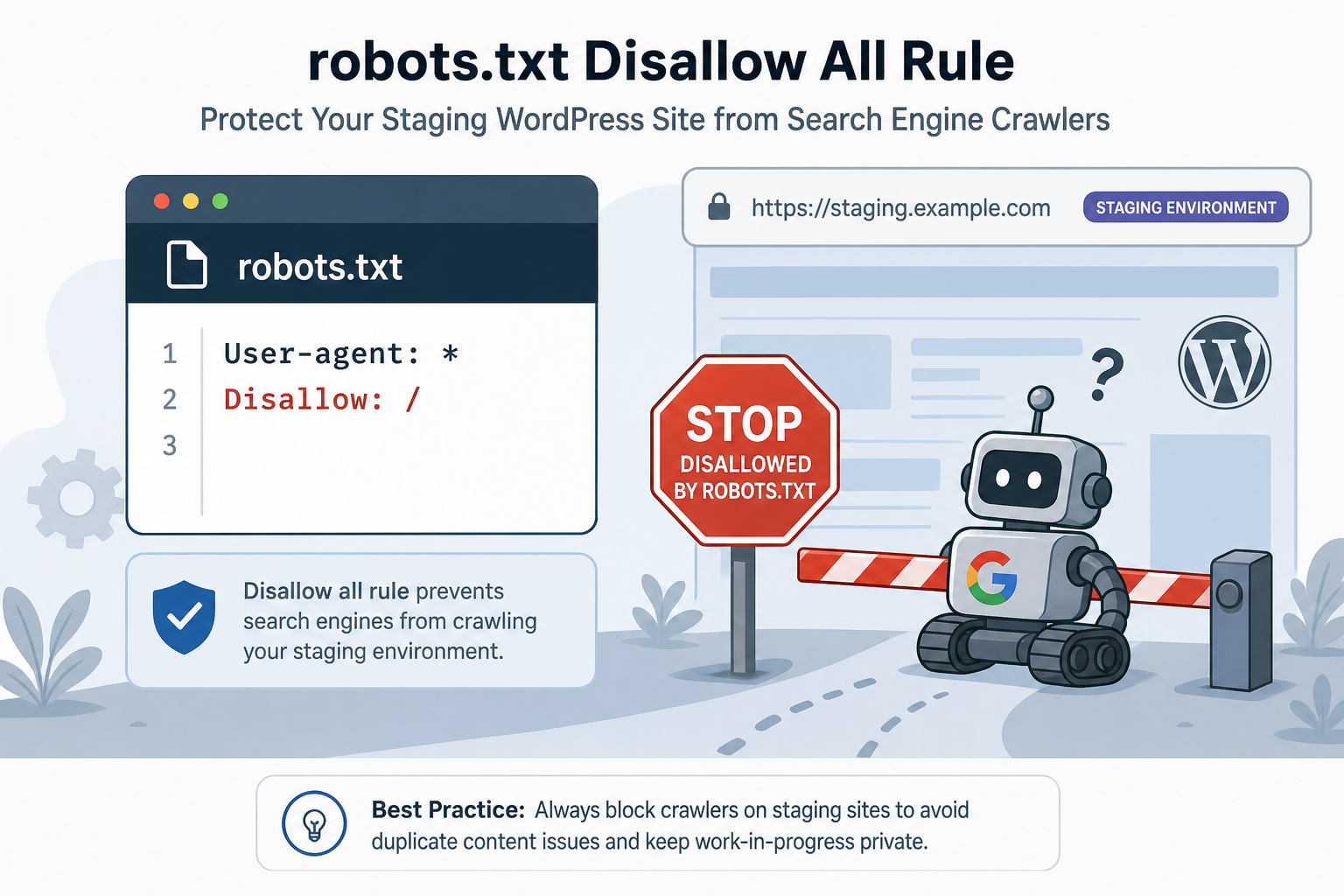
User-agent: *
Disallow: /
Plus HTTP authentication or IP allowlist if possible. robots.txt alone isn’t security — but stops well-behaved crawlers.
Add noindex site-wide via staging wp-config or SEO plugin environment toggle if available:
X-Robots-Tag: noindex, nofollow at server level — belt and suspenders.
Step 2: Remove Staging From Google’s Index
If staging property in Search Console:
- Verify staging domain property
- Removals tool for staging URLs (temporary fast hide)
- Fix block + noindex permanently
- Let natural deindex over weeks
Don’t redirect staging to production blindly if staging has thousands of duplicate URLs — can confuse consolidation. Block first.
Step 3: Audit Production for Staging Links
Search production database for staging domain strings. Check:
- post_content, postmeta, options
- Menus and widgets
- Canonical tags pointing to staging (disaster)
- Email templates, schema url fields
Same search-replace discipline as migration cleanup.
Step 4: Prevent Recurrence
Environment-aware config
Use env vars: production vs staging. Auto noindex on non-production. Many hosts (WP Engine, Kinsta, etc.) offer staging noindex by default — verify yours.
Never submit staging sitemap
GSC sitemap only on production. Staging Search Console property optional for monitoring — don’t submit sitemap unless debugging.
Disallow staging in production robots (optional)
Can’t control staging subdomain from production robots.txt — block must live ON staging.
rel=canonical on staging
If staging must be crawlable internally, canonical all staging pages to production equivalents — advanced, error-prone. Prefer full block.
Duplicate Content Between Staging and Production
While both indexed, Google sees duplicates — canonical confusion, diluted rankings. Speed matters. Block staging within hours of noticing, not weeks.
Local/Dev on Public URLs
.local domains usually fine. Tunnel URLs (ngrok, etc.) get indexed if shared publicly — treat like staging.
Launch Checklist (Staging → Live)
- Final search-replace URLs in DB
- Production robots allows crawl, includes sitemap
- Staging blocked + noindex remains after go-live
- Remove staging URLs from production content
- Submit production sitemap only
- Crawl production for stray dev domains
Tools
- Citence — production audits for wrong-domain canonicals and links
- Citence audit workflow post-launch
The takeaway
WordPress staging indexed by Google = unblocked dev environment + leaks from production. Block staging in robots and noindex immediately, remove staging links from live site, use Search Console removals while deindexing. Staging should never compete with production in search — prevent by default, fix fast when it slips.