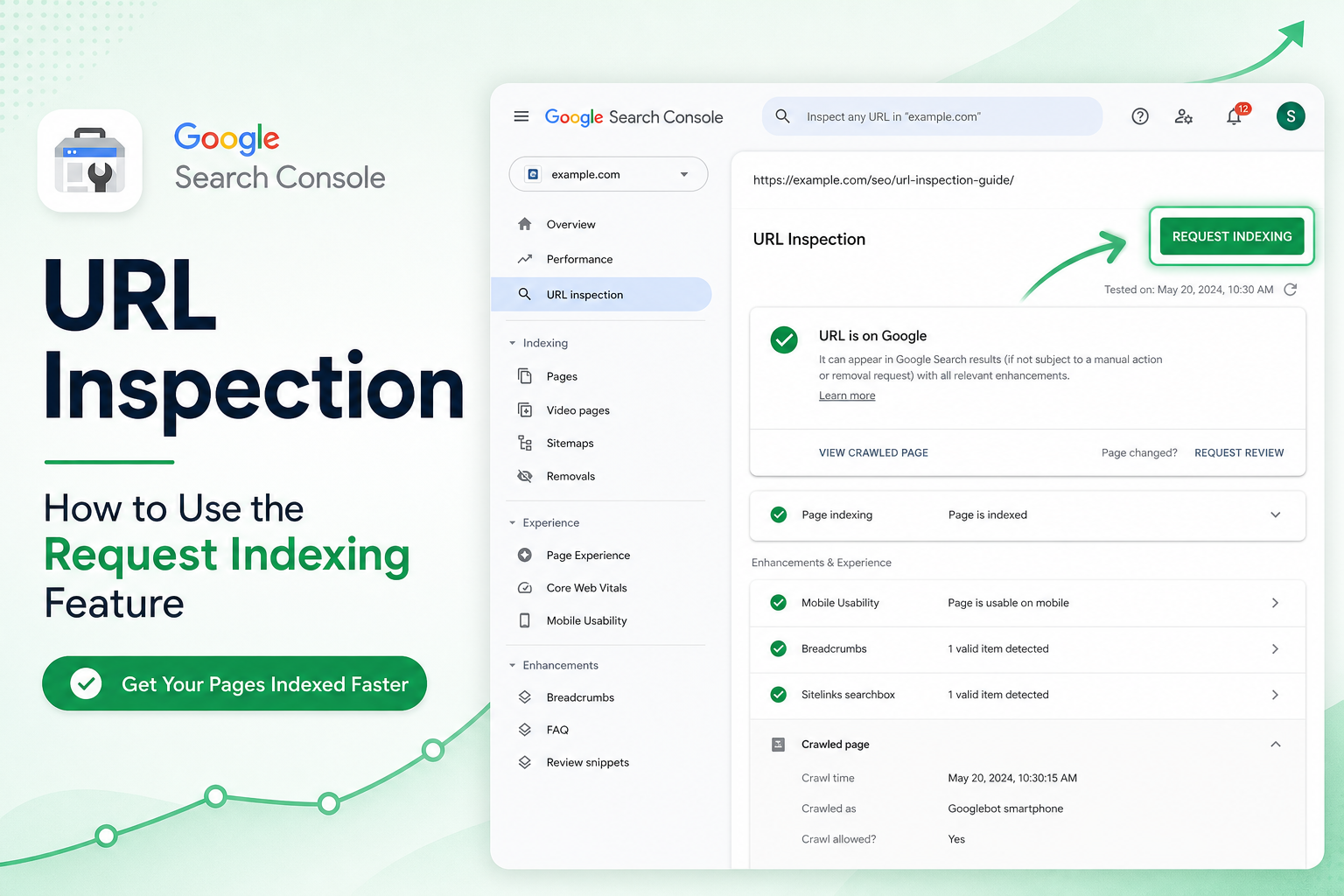
You published a post. You opened Google Search Console, pasted the URL into URL Inspection, hit “Request indexing,” and waited.
Nothing happened. Or it said indexed for a day, then dropped. Or the button grayed out after you’d used it on twelve URLs.
Request indexing is real — but it’s not a “rank me now” button. Treating it that way leads to frustration and wasted time on pages that were never crawlable to begin with.
Here’s when requesting indexing actually helps on WordPress sites, when it doesn’t, and what to fix upstream so Google stops ignoring you.
What “Request Indexing” Actually Does
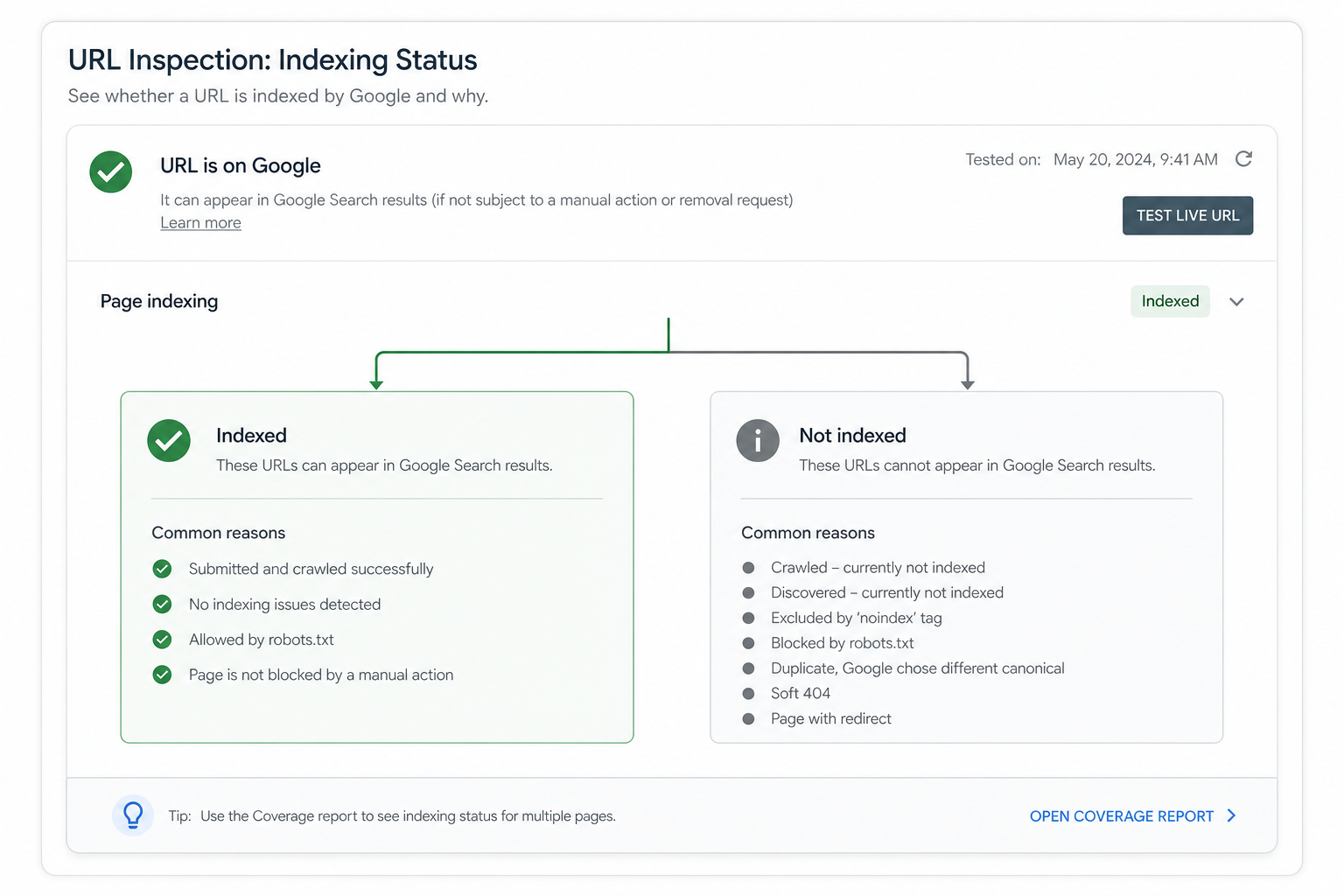
URL Inspection shows Google’s last known state for a URL: crawled or not, indexed or not, canonical chosen, mobile usability, rich results eligibility.
“Request indexing” asks Google to crawl that specific URL again, sooner than it might otherwise. It’s a nudge, not a guarantee. Google still evaluates quality, duplicates, robots rules, and site priority.
Daily quotas exist. Heavy use on low-value URLs burns your allowance without moving business metrics. Use it surgically.
When Request Indexing Is Worth Using
New or updated money pages
Fresh product launch, redesigned service page, corrected pricing, major content update on a URL that already earned traffic. Request indexing once after you verify the page is correct live.
After fixing a blocking error
You removed accidental noindex, fixed robots.txt blocking, repaired a 404, corrected canonical pointing to the wrong URL. Request indexing on the fixed URL after deploy and cache purge.
After submitting sitemap isn’t enough
Sitemaps inform discovery; they don’t force crawl. For time-sensitive publishes (news, seasonal promos), one inspection request on the key URL is reasonable.
Publishing cluster pillar content
You shipped a hub post linking to supporting articles — request indexing on the hub first, then internal links do more work than requesting every child URL the same day.
When It Won’t Help (Fix These First)
“Crawled – currently not indexed”
Google crawled the page and chose not to index it. Requesting again without improving content, intent match, or internal links usually fails. Read our full guide: Crawled – currently not indexed WordPress fix.
Duplicate or thin content
Tag archives, parameterized filters, manufacturer copy duplicated across SKUs — recrawl doesn’t make thin pages valuable.
Technical blocks
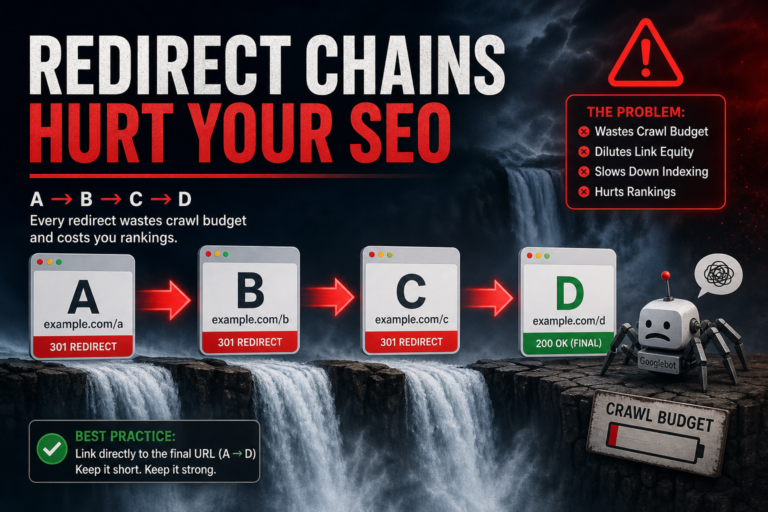
noindex meta, X-Robots-Tag, 401/403 for Googlebot, redirect loops, soft 404s. URL Inspection shows many of these — read the details panel before requesting.
Site-wide quality or trust issues
Manual actions, hacked content signals, extreme spam patterns — indexing requests don’t bypass quality evaluation. Fix site health holistically.
Practical Workflow for WordPress Publishers
- Publish or update page — verify logged-out view matches what you want indexed
- Purge cache (LiteSpeed, Cloudflare, host panel, plugin)
- URL Inspection — check “Page fetch” succeeds, no noindex, canonical is self (unless intentional)
- Request indexing once
- Ensure at least one internal link from an already-indexed page points to the new URL within 48 hours
- Check status in 3–7 days — not 3 hours
Internal links matter more than repeated indexing requests. Google discovers and prioritizes URLs linked from pages it already trusts.
Indexing API vs URL Inspection (WordPress Context)
Google’s Indexing API is officially for job posting and broadcast video content — not general blog posts or WooCommerce products. Third-party plugins claiming “Indexing API for any URL” often use unsupported patterns that won’t help long term.
For standard WordPress content, sitemap + internal links + selective URL Inspection is the supported path. Bulk “ping Google” tools are legacy noise.
How Many URLs Should You Request Per Week?
No public hard number — quotas vary. Practical rule for small/medium sites:
- 1–5 requests per week for truly important new/updated URLs
- Zero for tag archives, auto-generated pages, or “maybe this will rank” experiments
- Batch fixes first — if 200 products share a template error, fix the template once; request indexing on 3–5 representative products, not all 200
Energy better spent on internal linking and fixing patterns in pages not indexed reports scales further than hammering the request button.
Reading URL Inspection Results (Quick Decoder)
- “URL is on Google” — indexed; ranking is a separate question
- “URL is not on Google” + “Page is not indexed” — read the reason line; fix that reason
- “Duplicate, Google chose different canonical” — canonical or content duplication issue, not crawl frequency
- “Soft 404” — page returns 200 but looks empty/thin to Google
Tools that pair with Search Console
- Citence — site audits to catch noindex, title, and schema issues before you request indexing on broken URLs
- MiroPage SEO — pre-publish checks so the first crawl sees clean titles, meta, and headings
The takeaway
Request indexing in Google Search Console works as a targeted recrawl nudge after you’ve fixed the page and cleared technical blocks. It doesn’t substitute for content quality, internal links, or sitemap hygiene.
Use it on high-value URLs you’ve actually improved — a few times a week, not on every post you publish. Fix why Google skipped you the first time; then ask once.