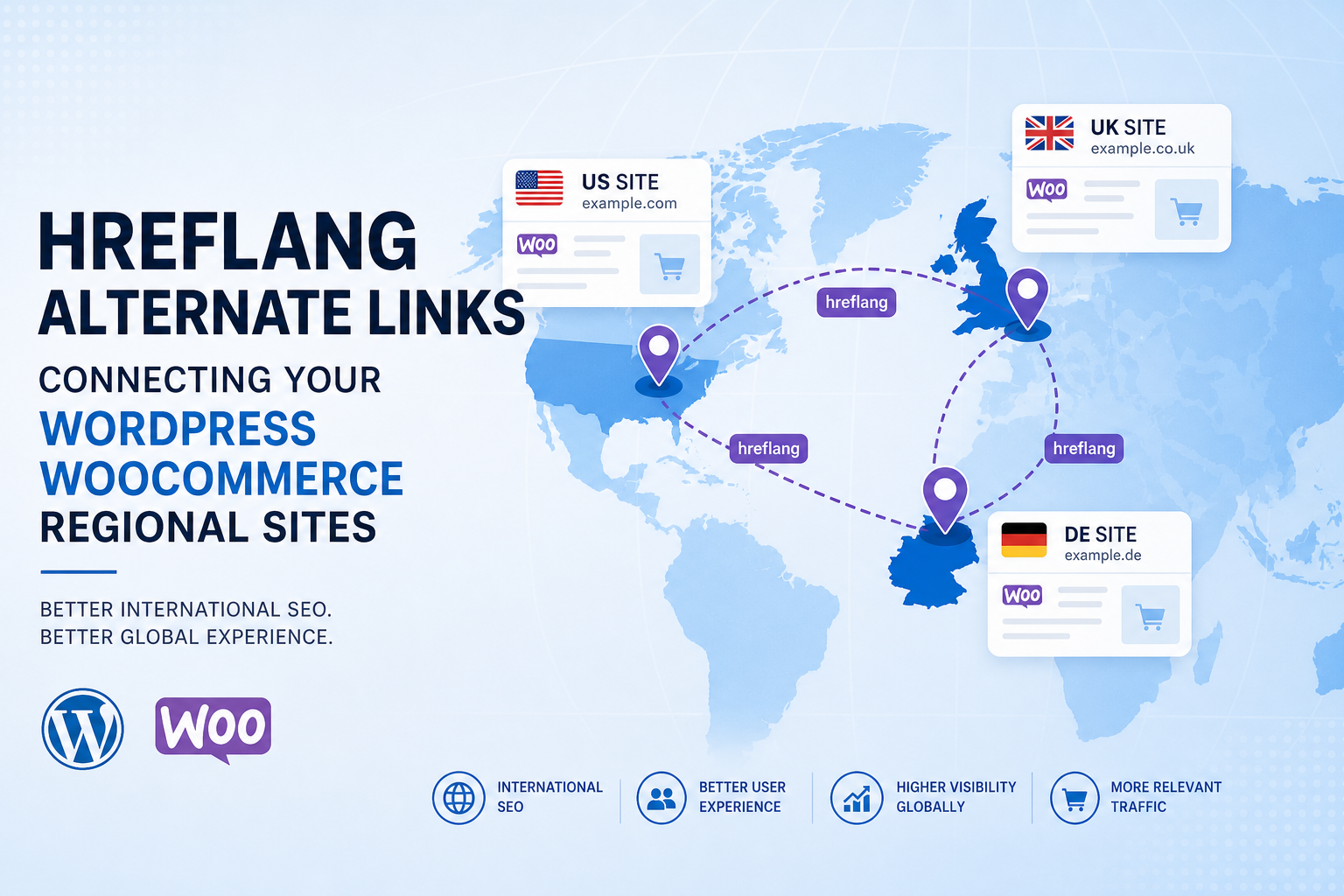
You sell in the US, UK, and Germany. Same WordPress install — or separate subsites — and Google shows the wrong country version to the wrong audience. Hreflang tells search engines which URL is for which language/region. Skip it or implement wrong and you get duplicate content confusion instead of clean regional rankings.
Hreflang isn’t for every WooCommerce store. Single country + currency switcher only? You probably don’t need it. Distinct URLs per country with translated or localized content? You probably do.
Here’s when hreflang applies on WordPress, how to implement without breaking canonicals, and mistakes that waste dev time.
What Hreflang Does
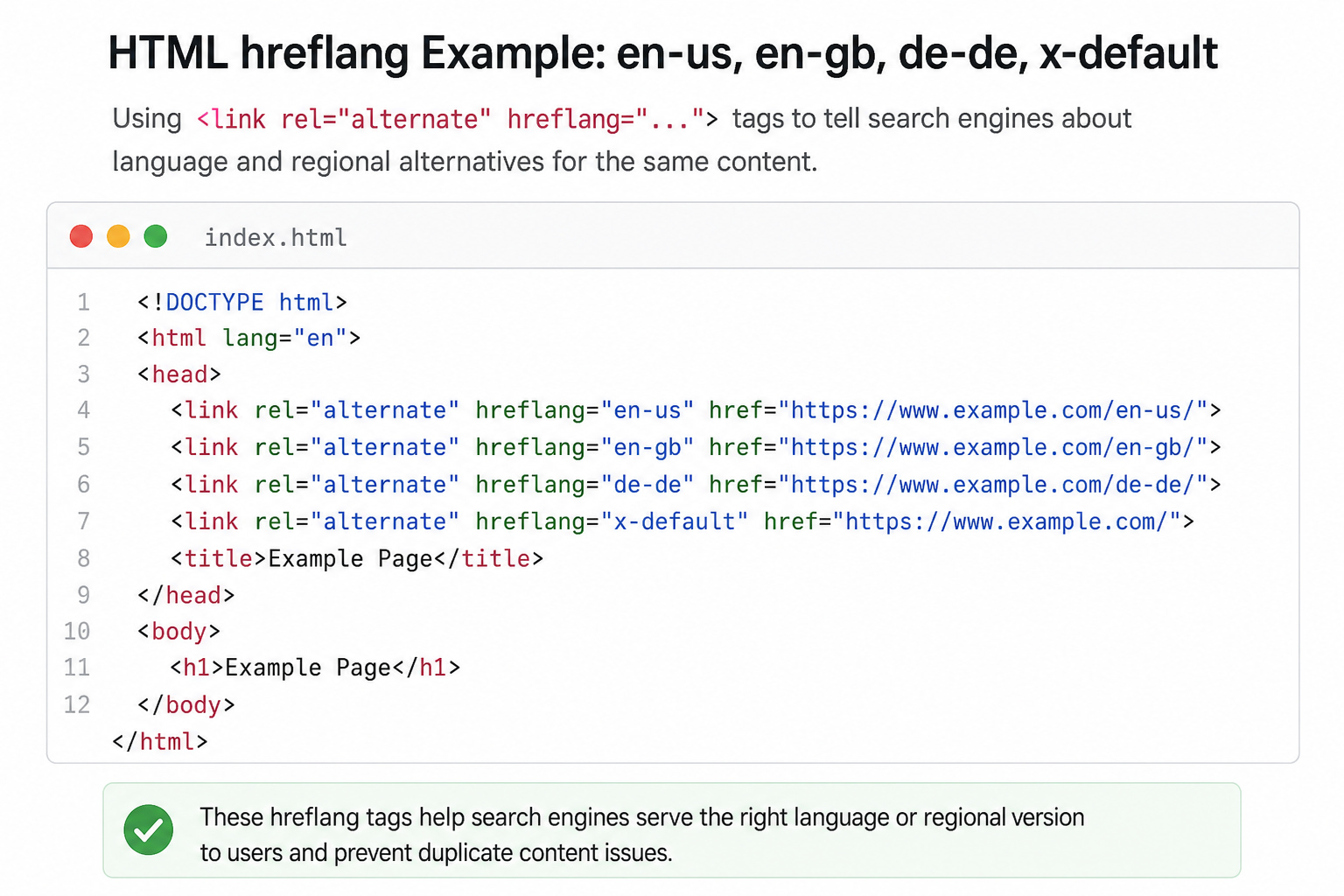
Hreflang annotations link equivalent pages across languages/regions:
<link rel="alternate" hreflang="en-gb" href="https://example.co.uk/page/" />
Google uses clusters to show en-gb URLs to UK users, de-de to German users, etc. It’s a signal — not a guarantee.
When You Need Hreflang
Likely yes:
- Separate URLs per country/language (subdomains, subdirs, ccTLDs)
- Translated product pages, not just currency change
- Localized legal, shipping, pricing content materially different
Likely no:
- Single domain, one language, geo-pricing via JS only
- Machine-translated thin duplicates — fix content first
- Single store shipping worldwide with identical copy
WordPress Implementation Options
Multilingual plugins
WPML, Polylang, TranslatePress — usually output hreflang automatically when configured. Verify output in page source on paired pages.
SEO plugin modules
Yoast/Rank Math multilingual integrations — depends on plugin combo. One hreflang source — don’t duplicate with theme.
Manual / custom
Hard for large catalogs — error-prone. Avoid unless tiny site.
URL Structure Choices
| Pattern | Example | Notes |
|---|---|---|
| Subdirectories | /uk/, /de/ | Common on WooCommerce |
| Subdomains | uk.site.com | Separate GSC properties |
| ccTLDs | site.co.uk | Strongest geo signal, most overhead |
Pick one strategy. Mixing without hreflang = duplicate nightmares.
Required: Reciprocal Links and x-default
Every page in cluster must reference all alternates including itself. Missing return tags break clusters.
x-default: fallback for unmatched users — often main US or language picker page.
Validate with hreflang checker tools — one broken pair poisons cluster.
Hreflang + Canonical Interaction
Each regional URL canonicals to itself (self-referencing), not to US version only — unless US is truly canonical for all (rare, usually wrong).
Canonical to wrong region kills regional indexing. See canonical mistakes.
WooCommerce-Specific Issues
- Product available one region only — don’t hreflang to 404; use correct availability or omit from cluster
- Currency ≠ hreflang — GBP prices on /uk/ need en-gb content difference, not just symbol swap
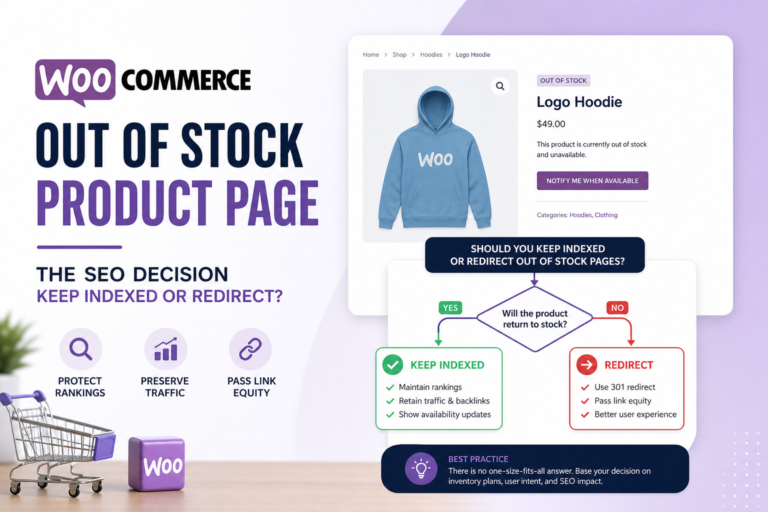
- Out-of-stock regional variants — stockout SEO
- Structured data per locale — price currency must match
Common Hreflang Mistakes
- Wrong codes — en-UK vs en-GB (use en-GB)
- Hreflang to redirected URLs
- Only on homepage, not product parity
- Auto-translate duplicate spam without unique value
- Conflicting with duplicate titles across regions
Testing Checklist
- View source on paired URLs — full reciprocal set
- Google Search Console international targeting report per property
- Hreflang validation tool — zero errors
- Sample product URLs in each locale — canonical + hreflang agree
- Analytics — regional organic landing on correct URLs
Hreflang vs Local SEO
Physical stores use local SEO + GBP per location. Hreflang handles web URL targeting — complementary, not replacement.
Tools
- Citence Pro — multi-URL audit for canonical/hreflang conflicts
- Citence workflow after multilingual launch
The takeaway
Hreflang on WordPress and WooCommerce matters when you have real regional URL variants with localized content — not just currency toggles. Use multilingual/SEO plugins correctly, reciprocal tags + x-default, self-referencing canonicals per locale. Validate clusters before launching 500 product translations — broken hreflang hurts worse than none.