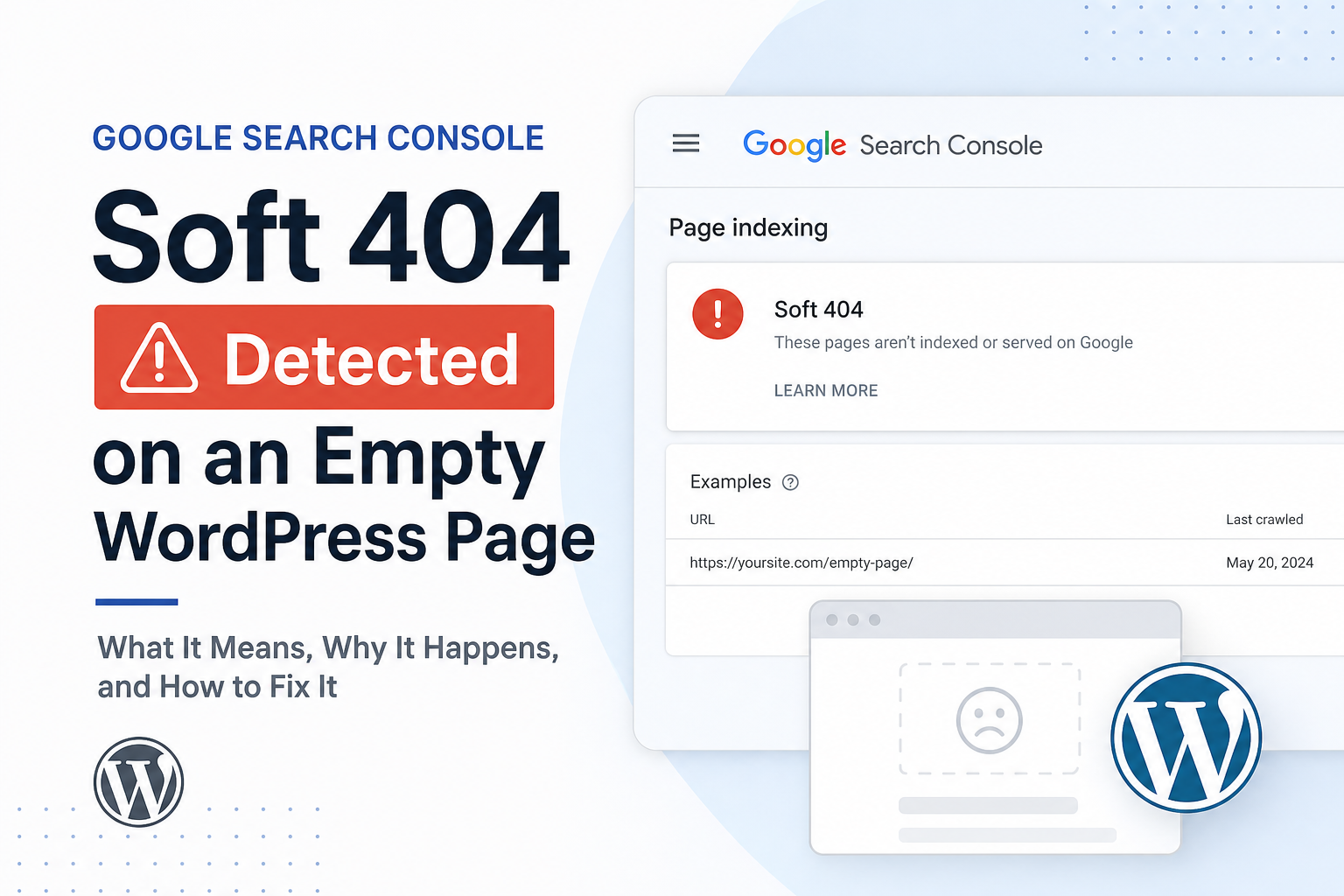
Search Console says a URL returns 200 OK — but Google classified it as a soft 404. Translation: your server said “page exists,” Google looked at it and decided it’s effectively empty or useless.
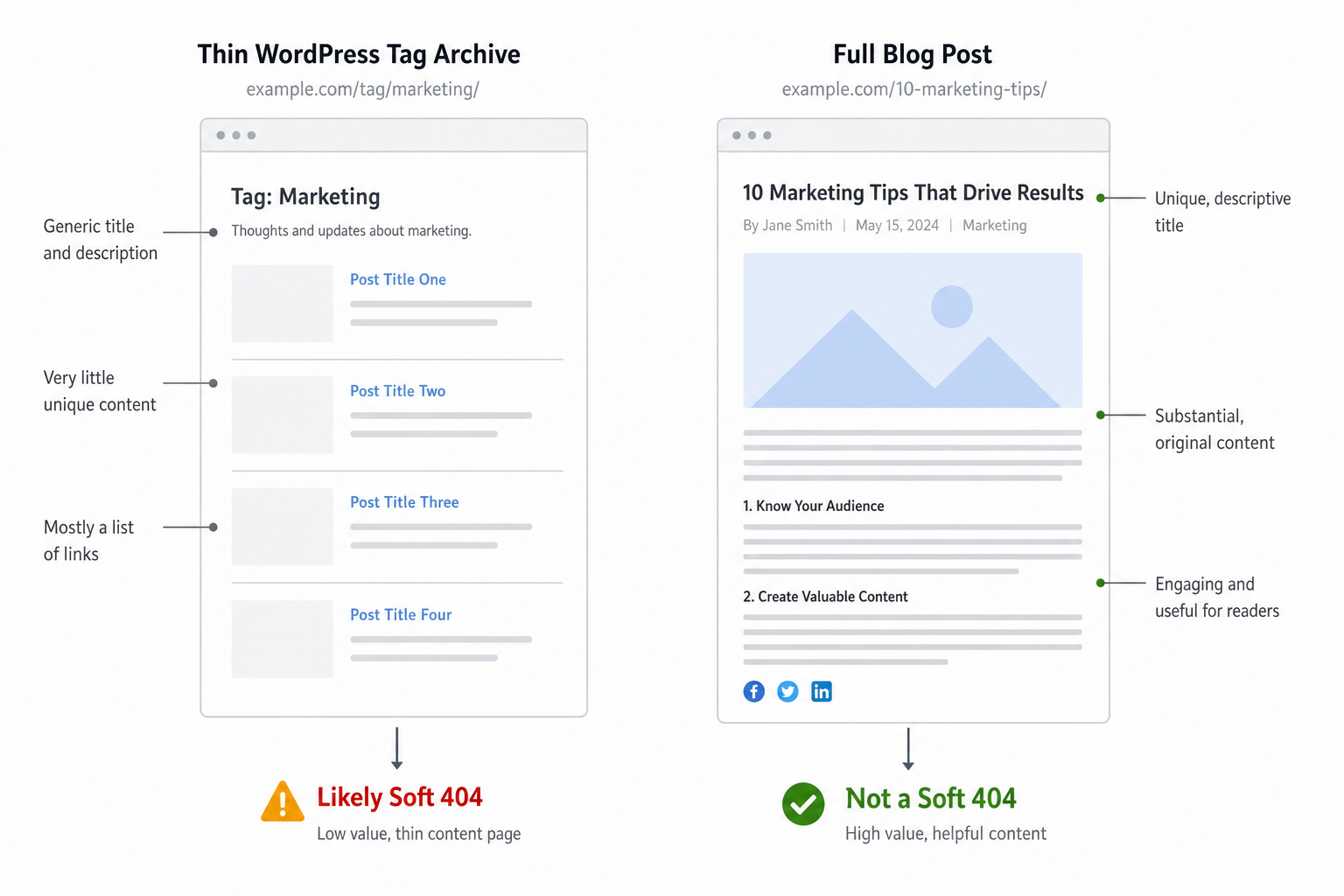
Soft 404s don’t behave like hard 404s. No automatic deindex drama — but URLs linger in limbo, waste crawl, and rarely rank. On WordPress they cluster on tag archives, search results pages, thin category stubs, and “placeholder” pages you forgot to finish.
Here’s how to find soft 404 patterns on WordPress and fix them without breaking legitimate pages.
What Triggers a Soft 404
Google’s systems compare HTTP status, page content, and user/value signals. Common triggers:
- Very little unique content — boilerplate only
- “Not found” or “no results” messaging with 200 status
- Pages that look like error pages but aren’t 404
- Redirect to homepage that returns 200 instead of 301
- Empty WooCommerce categories or search with zero products
Different from Crawled – currently not indexed — soft 404 is a specific quality/status classification.
WordPress URLs That Often Get Soft 404
1. Tag and author archives
Single-post tag pages, empty author archives — title + one link + footer. Google sees template, not content.
Fix: Noindex low-value archives — tags vs categories guide.
2. Internal search results
?s=keyword indexed accidentally — “nothing found” pages with 200. Disallow in robots or noindex search template.
3. Empty categories
Category exists, zero posts assigned — “No products found” with 200. Remove category, noindex, or add content + products.
4. Placeholder pages
“Coming soon” service page, Lorem ipsum draft published by mistake, page builder blank template.
Fix: Real content, draft until ready, or 404/redirect if retired.
5. Soft redirects
JavaScript or meta refresh to homepage while URL returns 200. Google wanted 301.
6. WooCommerce out-of-stock discontinued products
Empty product shell — see our out-of-stock SEO guide for keep vs noindex decisions.
How to Find Soft 404s
- Search Console → Pages → “Soft 404” reason (or Page indexing report filters)
- Export URLs — group by template (tag, category, product, page)
- Open each logged out — would a user find value in 5 seconds?
- Crawl with Screaming Frog — filter thin word count + 200
Fix patterns first — one tag noindex rule beats editing 200 tag URLs individually.
Fix Strategies by Intent
| Situation | Action |
|---|---|
| Should never rank (search, thin tag) | noindex + remove from sitemap |
| Should rank but thin | Add unique intro, posts, internal links |
| Retired URL | 301 to replacement or real 404 |
| Wrong soft classification on good page | Improve content depth, check render in URL Inspection |
When the Page Is Actually Good
False soft 404 happens — JavaScript-rendered content Google didn’t see, aggressive ad walls, cloaking (don’t), or extreme template similarity across many URLs.
URL Inspection → View crawled page. If rendered HTML is empty, fix rendering/cache/JS — overlaps with Core Web Vitals and JS diet.
Request indexing once after substantive fix — when it works.
Prevention
- Don’t publish empty pages — use MiroPage pre-publish checks
- Noindex search and low-value taxonomies by default
- Monthly GSC indexing report review
- After migration, crawl for thin 200s — migration cleanup
Tools
- Citence — thin content and indexability flags at scale
- MiroPage SEO — block thin pages before publish
The takeaway
Soft 404 on WordPress means Google sees a 200 page with no value — empty archives, search results, placeholders, broken soft redirects. Noindex junk, enrich pages that should rank, 301 or hard-404 retired URLs. Fix templates before hand-editing hundreds of URLs.