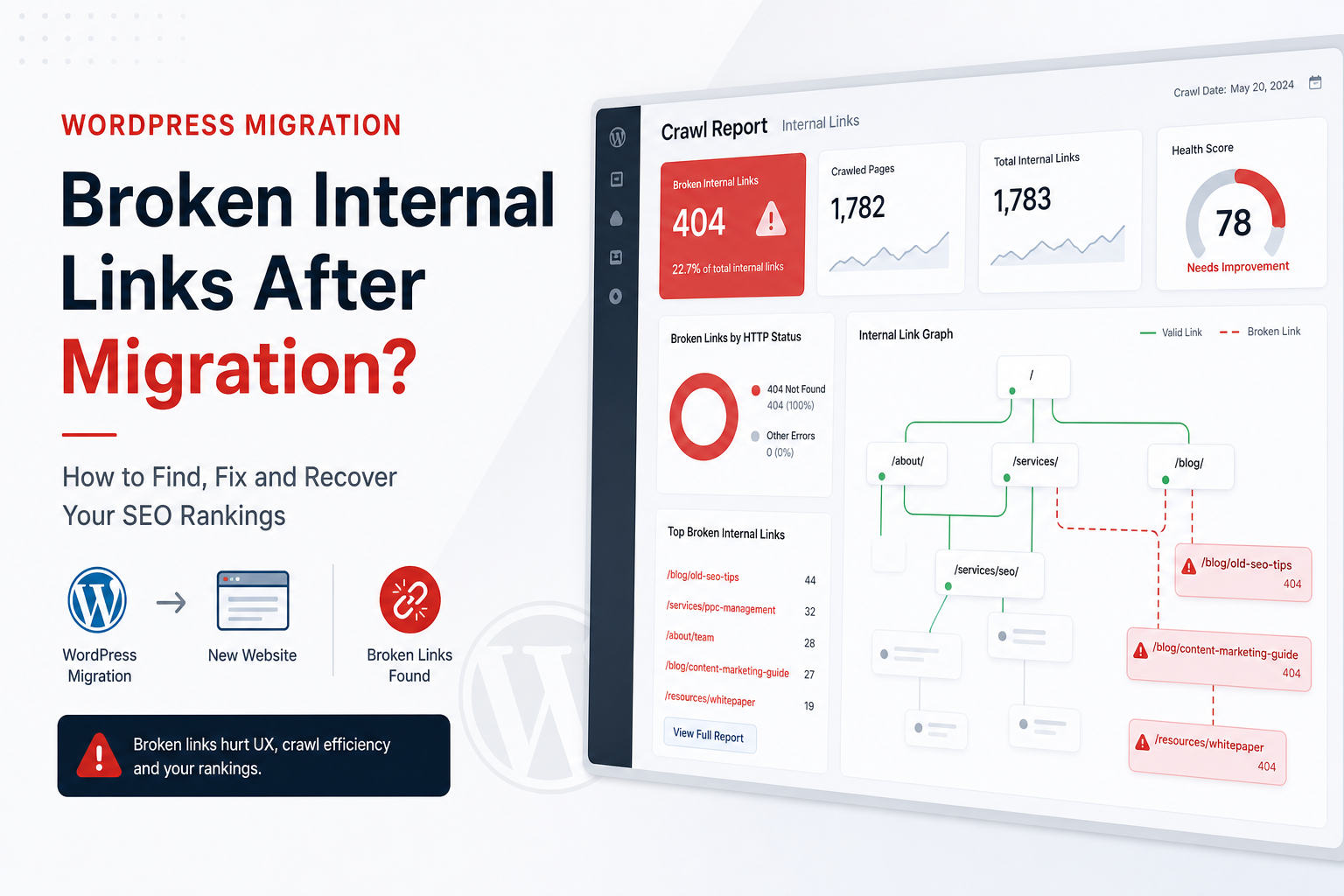
You migrated the site. New theme, new host, maybe a new domain. Everything looks fine in the admin. Then you run a crawl and find 340 broken internal links — old paths, http instead of https, staging URLs baked into post content.
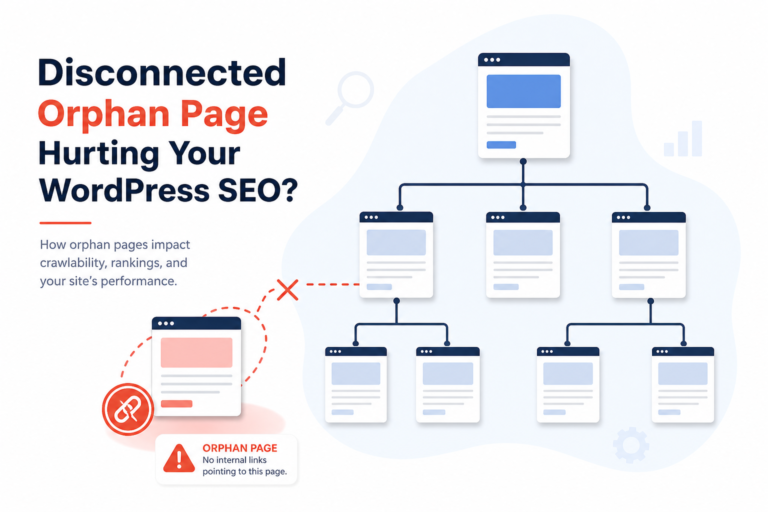
Broken internal links don’t always crash rankings overnight. They leak crawl budget, strand orphan pages, and tell Google your site maintenance is sloppy. After a migration, link cleanup is as important as redirects — and almost everyone skips it until Search Console complains.
Here’s a practical fix order that works on real WordPress projects, not just “run a plugin and hope.”
Why Migrations Break Internal Links
- Domain change — content still links to olddomain.com
- Permalink structure change — /blog/post-name vs /post-name
- Search-replace gaps — serialized PHP data missed by naive replace tools
- Staging URLs in content — dev.site.com hardcoded in buttons and CTAs
- Removed pages — services merged, products discontinued, links still point nowhere
- Plugin shortcodes — old page builder blocks output dead links after deactivation
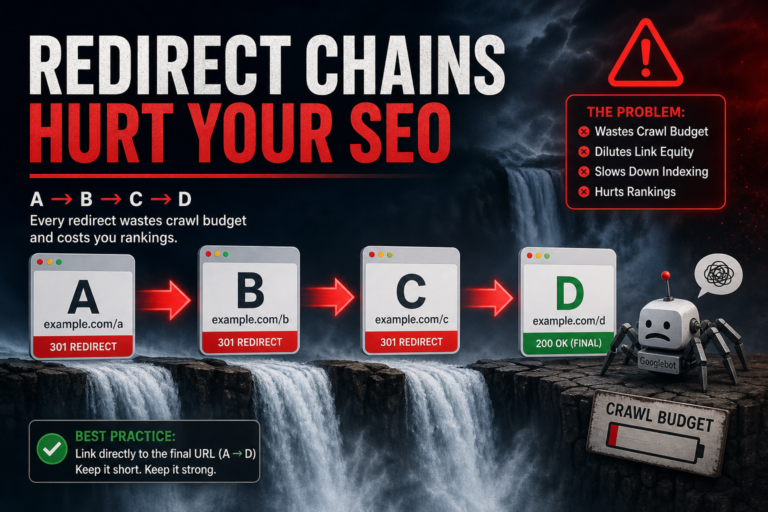
Redirects catch external traffic and old bookmarks. Internal links should point to the final URL directly — not rely on 301 chains from your own content.
Step 1: Crawl and Export Broken Links
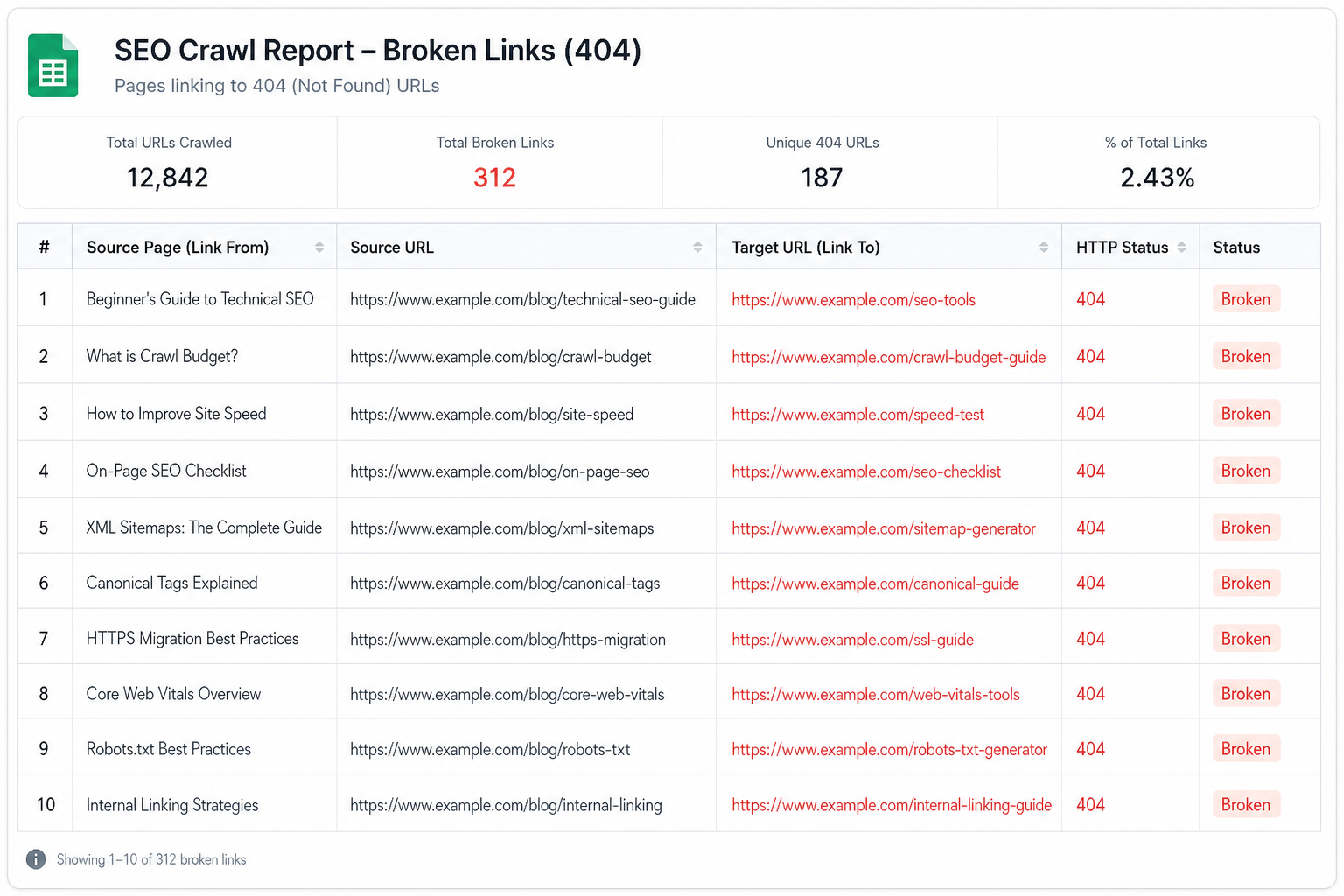
Use Screaming Frog, Sitebulb, or an audit tool. Filter response codes 404 on internal URLs. Export: source page, broken target, anchor text.
Sort by source page importance — homepage and high-traffic posts first. Fix patterns before one-off URLs.
Citence scheduled audits help catch new broken links after plugin updates — migrations aren’t the only cause.
Step 2: Fix Redirects for Moved URLs (External + Legacy)
Before editing hundreds of in-content links, ensure 301 map exists for every old URL that had traffic or backlinks:
- Old URL → final canonical URL (one hop, not three)
- Redirect plugin or server rules — Redirection, Rank Math redirects, .htaccess/nginx
- Test with curl or redirect checker — no loops
Then update internal links to point to final URLs anyway. Google prefers direct links; users skip redirect latency.
Step 3: Database Search-Replace (Carefully)
For domain or path bulk changes, use WP-CLI search-replace or Better Search Replace with serialization support. Always backup first.
Common misses:
- Widget text in options table
- Menu custom links
- ACF and page builder JSON
- wp_posts.post_content AND postmeta
Run crawl again after replace — if 404 count drops 80%, you fixed the pattern. Hand-fix the rest.
Step 4: Fix Links Inside Post Content
Broken in-content links are the highest-value fixes — real editorial signals, not footer boilerplate.
Prioritize:
- Links from indexed pages with traffic (GSC)
- Links to money pages — products, services, contact
- Links in recently published content (still getting crawled often)
Replace dead targets with live equivalents. Remove links if page is gone and no replacement exists. Don’t link to 404 “because we’ll fix it later.”
Rebuild hub structure while you’re in there — see internal linking mistakes for patterns that help after cleanup.
Step 5: Menus, Widgets, and Footer
Navigation 404s hit every page. Check Appearance → Menus, footer widget areas, theme customizer links. One bad menu item creates site-wide broken link reports.
Step 6: WooCommerce-Specific Cleanup
Product descriptions often link to discontinued SKUs, old category slugs, or PDF spec sheets that didn’t migrate. Category renames break related-product links in custom HTML blocks.
Re-crawl product and category templates separately. Pair with product indexing checks if URLs changed.
Step 7: Verify Sitemap and Indexing
After link fixes, confirm sitemap lists only live URLs — no 404s, no staging domains. Read sitemap mistakes if indexed count dropped post-migration.
Submit updated sitemap in Search Console. Request indexing on homepage and top 3 landing pages once — not every URL.
Prevention for Next Migration
- Export redirect map before changing permalinks
- Use relative links for internal paths where possible (same-domain only)
- Run crawl on staging with production-like content
- Block staging from index; never use staging URLs in content
- Schedule post-migration audit at day 7 and day 30
Tools
- Citence Pro — site-wide link and on-page audits with history
- MiroPage SEO — catch weak links before new pages publish
Also fix: Redirect chains after migration — flatten to one hop.
The takeaway
Broken internal links after WordPress migration come from domain changes, permalink updates, and missed search-replace — not mystery Google bugs. Redirect legacy URLs, fix patterns in the database, hand-repair high-traffic in-content links, then re-crawl. Do it in the first month post-launch, not six months when rankings already slipped.