Most SEO damage happens at publish time — empty meta description, skipped H2, title that truncates in SERPs, 400 words pasted from a brief. You can fix it later. By then Google already crawled the weak version.
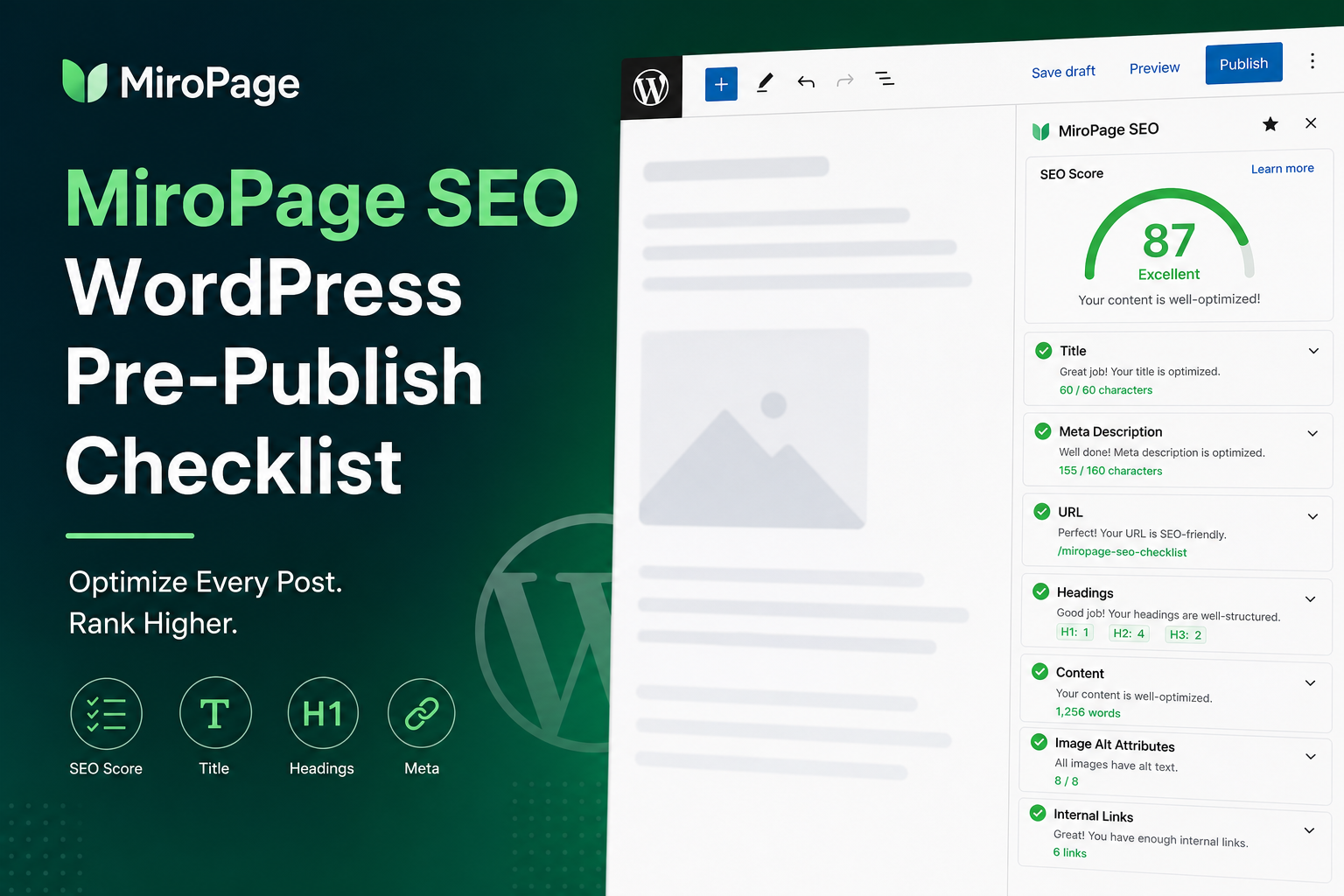
MiroPage SEO sits in the publish flow to score and flag on-page issues before pages go live. It complements site-wide tools like Citence (backlog audits) and general SEO plugins (sitemaps and defaults).
This is the pre-publish checklist we recommend with MiroPage — usable even if you audit manually.
What MiroPage Checks (and Why It’s Different)
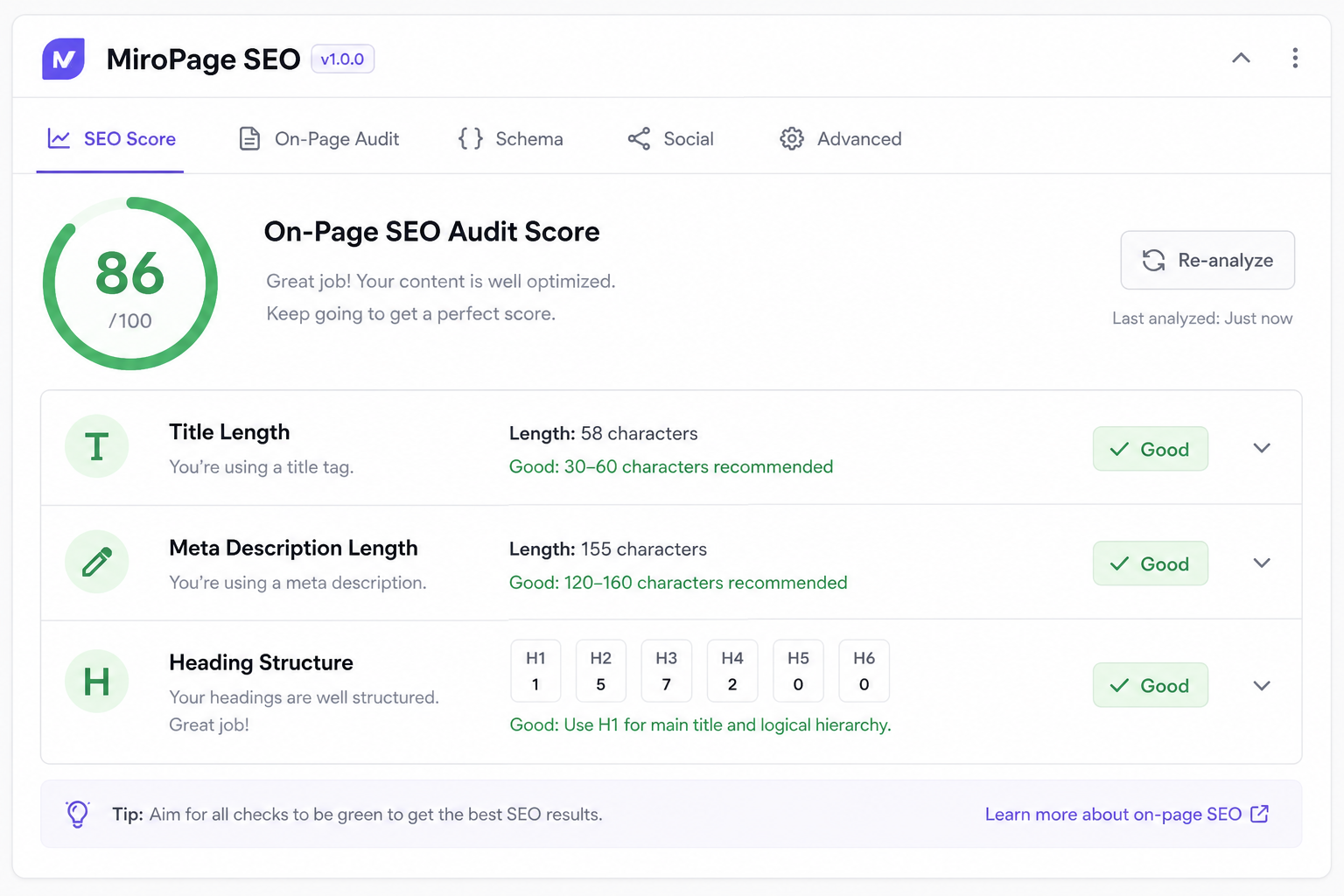
Yoast and Rank Math optimize while you type — focus keyphrase, snippet preview. MiroPage emphasizes audit-style scoring: title length and uniqueness signals, meta description quality, heading hierarchy, content depth, image alt coverage, internal link presence.
Think gate before publish, not sidebar decoration. Pair with one SEO plugin for sitemap — not instead of it. Comparison: Rank Math vs Yoast vs audit tools.
Pre-Publish Checklist
1. Title tag
- Primary topic front-loaded — not site name first on every post
- Under ~60 characters where possible — truncation kills CTR
- Unique vs other posts — avoid duplicate title patterns
2. Meta description
- Written manually — not left blank for Google to guess
- 150–160 characters, includes reason to click
- Matches search intent for the target query
3. Heading structure
- One clear H1 (theme usually handles — don’t add second in content)
- H2 for major sections, H3 for subsections — no skipped levels
- Headings describe content, not keyword spam
4. Content depth
- Enough substance to answer the query — thin posts get crawled not indexed
- First paragraph states the answer — helps rankings and AI citations
5. Internal links
- 2–3 links to related posts or products on your site
- Descriptive anchor text — not “click here”
- Link to hub pages and money pages where relevant
6. Images
- Alt text describing image, not keyword list
- Compressed for Core Web Vitals
7. URL slug
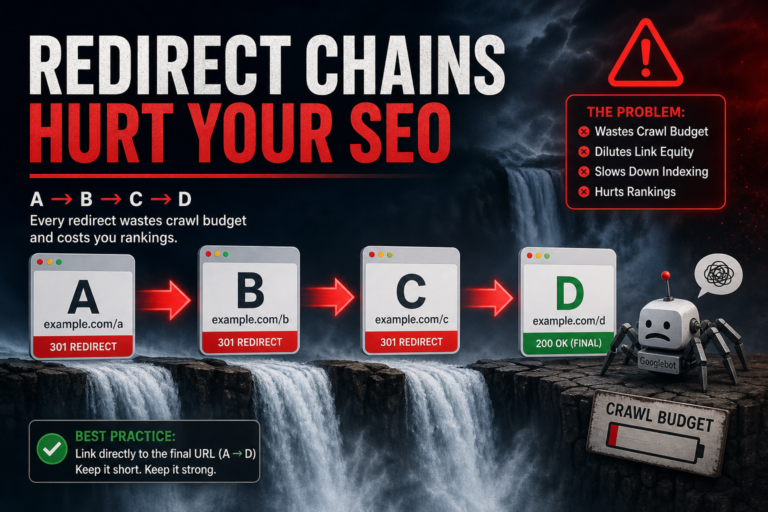
- Short, readable, stable — changing slugs post-publish needs redirects
Workflow: Draft → MiroPage → Publish
- Write draft in block editor
- Run MiroPage audit on page/post
- Fix red/orange items — title, meta, headings first
- Re-run until score meets your bar (define one — e.g. no critical issues)
- Publish
- One internal link from an older indexed post within 48 hours
- Optional: request indexing once if time-sensitive — when it works
Post Types: Blog vs Landing vs Product
Blog posts: intent match + internal links to products/services
Landing pages: stricter title/meta, clear CTA, fewer distractions in headings
WooCommerce products: MiroPage on descriptions; Citence Pro for catalog-wide product audits and schema
After Publish: Don’t Fire and Forget
Pre-publish catches preventable mistakes. Monthly Citence scan catches site-wide drift — template changes, plugin updates, new duplicate titles.
Search Console after 2–4 weeks: impressions climbing? If not, content intent or indexing — not just meta polish.
Get MiroPage
MiroPage SEO on MiroSEO — install, audit before publish, build the habit on your next 10 posts. Cheaper than rewriting ignored pages three months later.
The takeaway
MiroPage SEO pre-publish checklist: unique title, real meta, logical headings, sufficient content, internal links, image alt — fix before publish, link after publish, audit monthly at site level. Index-ready pages beat “we’ll SEO it later” every time.