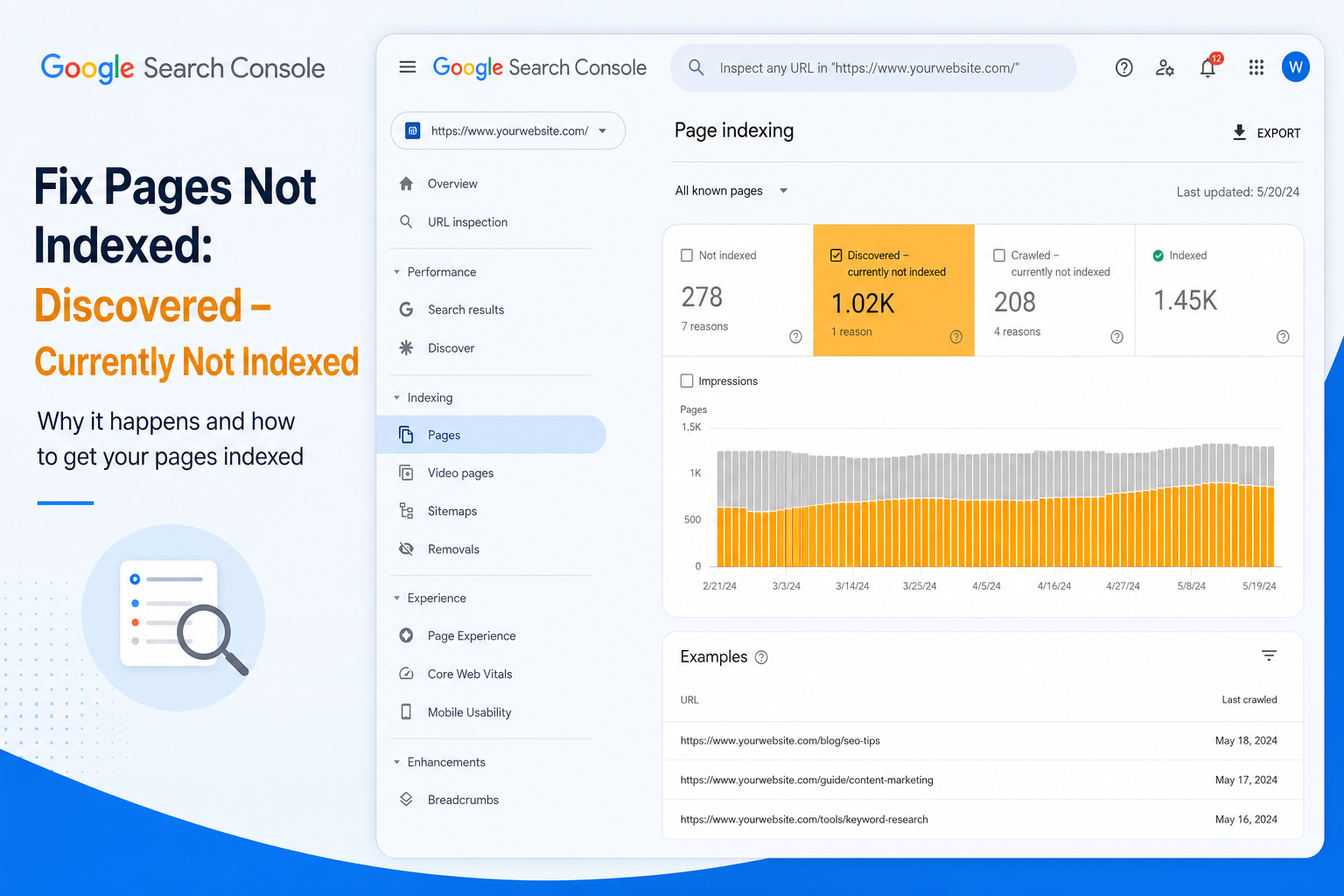
Search Console shows a new status on your URLs: Discovered – currently not indexed. Not crawled yet. Not rejected after crawl. Just… waiting in line.
That’s different from Crawled – currently not indexed, where Google already looked and said no. Here, Google knows the URL exists — from your sitemap, internal links, or past crawls — but hasn’t prioritized a fetch.
On WordPress sites, this often hits new posts, deep category pages, WooCommerce products with weak internal links, and archive URLs you probably shouldn’t index anyway. The fix depends on which bucket you’re in.
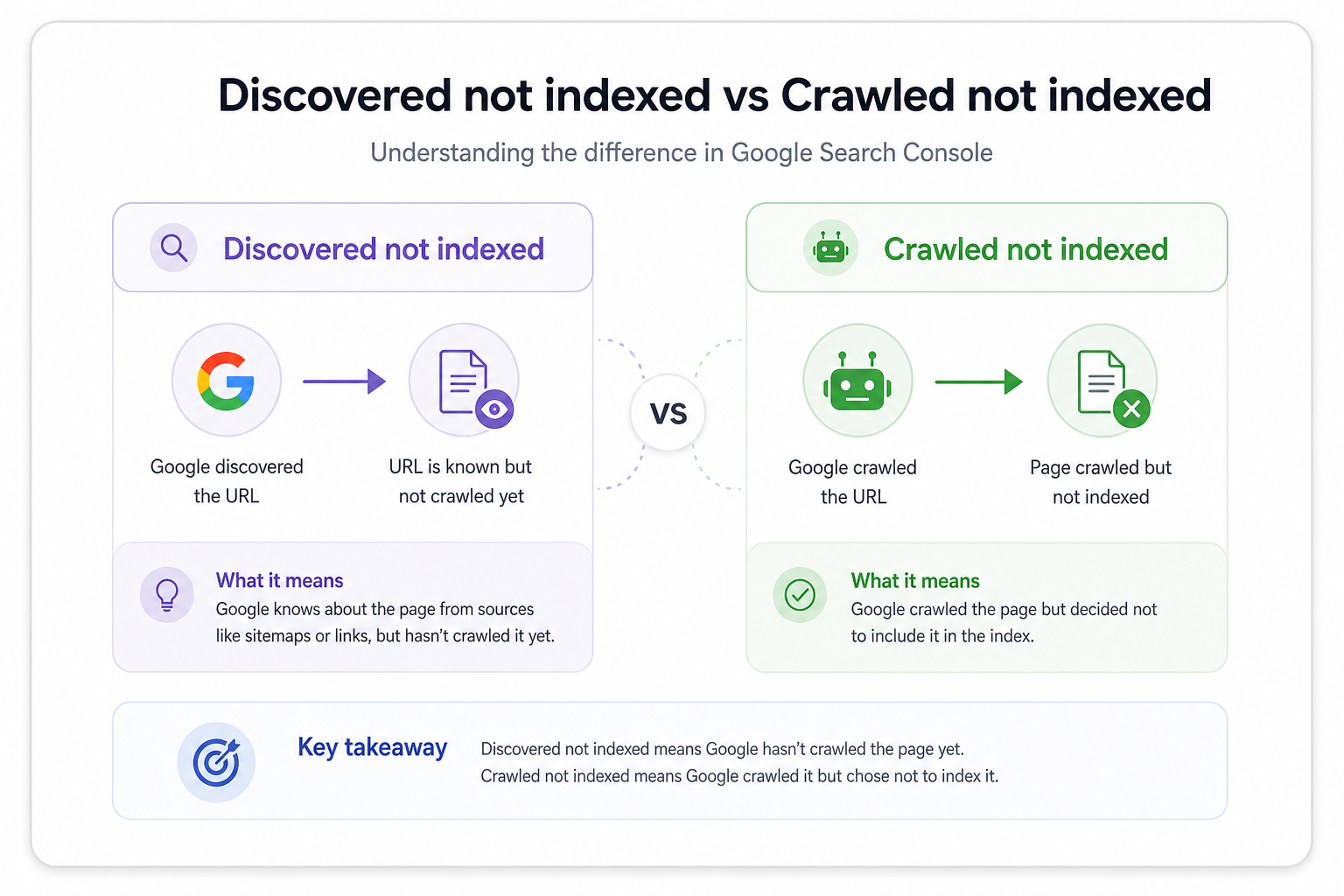
Discovered vs Crawled: Why the Distinction Matters
Discovered – currently not indexed: URL is on Google’s radar. No recent successful crawl committed to the index (or crawl hasn’t happened yet).
Crawled – currently not indexed: Google fetched the page and chose not to index it — usually quality, duplication, or low priority after review.
Treating them the same wastes time. Discovered URLs need discovery and crawl priority. Crawled-not-indexed URLs need content and structural fixes first.
Common WordPress Causes
1. New site or low crawl budget
Young domains, sites with few external links, or domains that sat parked for years get slow crawl rates. Google discovers URLs from sitemap but schedules crawls conservatively.
Fix: Strong internal links from already-indexed pages, consistent publishing, clean sitemap. Request indexing on 1–2 priority URLs only — see our guide on when request indexing works.
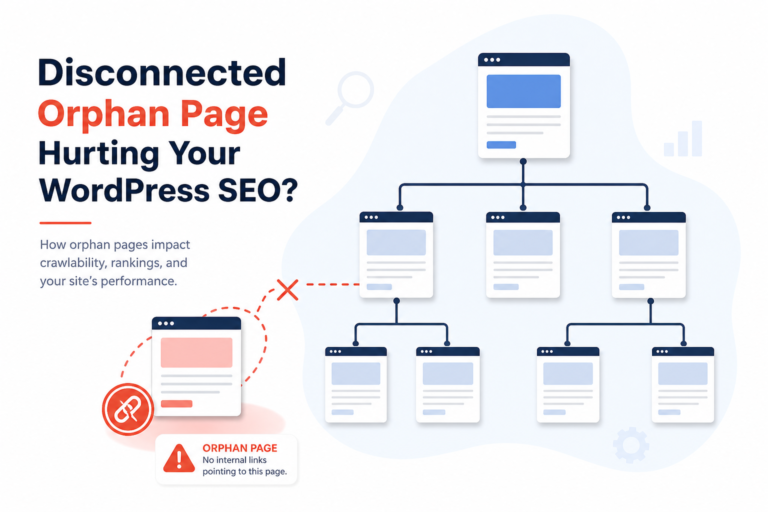
2. Orphan pages with no internal links
Published a landing page but nothing on the site links to it? Sitemap alone is a weak signal. Google discovers the URL and deprioritizes it.
Fix: Link from homepage, relevant blog posts, or navigation. Every money page deserves at least one contextual in-content link from an indexed URL.
3. Sitemap bloat
SEO plugins submitting tags, author archives, attachment URLs, and every product filter to sitemap. Google discovers thousands of low-value URLs and crawls the important ones later — or never.
Fix: Trim sitemap to posts, pages, products, and categories that matter. Noindex thin archives. See WordPress sitemap mistakes for a full checklist.
4. Server or CDN blocking Googlebot intermittently
Rate limits, bot fight modes, geo blocks, or maintenance plugins returning 503 during crawl windows. URL stays “discovered” because fetch never completes reliably.
Fix: Check hosting logs, Cloudflare bot settings, security plugins. Whitelist Googlebot. Test fetch in URL Inspection — “Page fetch” must succeed.
5. URLs you shouldn’t index anyway
Internal tag pages, paginated archives, parameterized filters — discovered status on junk URLs is noise, not a crisis.
Fix: Noindex and remove from sitemap. Focus energy on pages that drive revenue. Guide: when to noindex tags vs categories.
What Actually Moves Discovered URLs to Indexed
- Internal links — one good link beats five sitemap pings
- Unique useful content on the URL — not a 50-word category stub
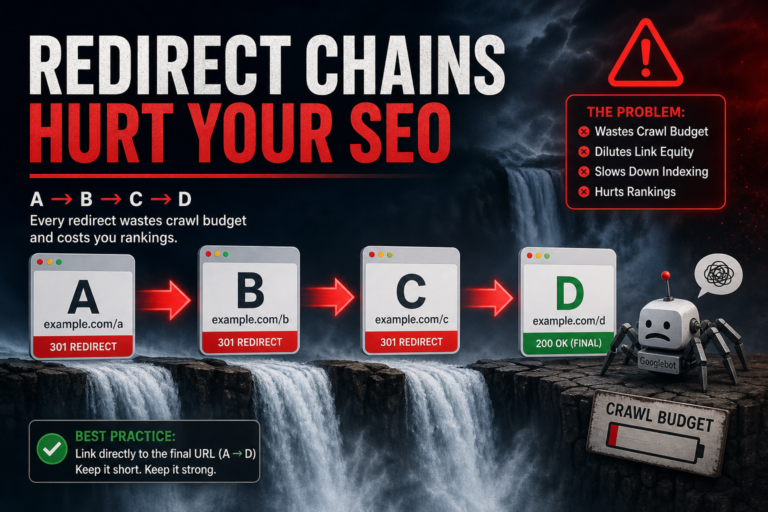
- Clean technical fetch — 200 status, no redirect chains, no noindex
- Patience — new posts often take days to weeks, not hours
- Selective indexing request — once, after the page is ready
What doesn’t help: requesting indexing daily, publishing the same content under new slugs, or buying “indexing services” that ping deprecated endpoints.
WooCommerce-Specific Notes
Products discovered but not indexed often lack internal links — only linked from generic shop page, buried in category 4 levels deep. Surface bestsellers on homepage, link from buying guides, cross-link related products.
Variable product URLs and filter combinations clog discovery lists. Noindex faceted URLs; canonical the product page. Pair with product indexing fixes if money SKUs stay stuck.
Prioritization Framework
Export discovered URLs from Search Console. Sort by:
- Revenue potential (products, service pages, lead magnets)
- Already has internal links? (yes = faster win)
- Thin archive or real content?
Fix top 10 manually. Noindex or ignore the long tail of tags and filters. Re-check report in 28 days — indexing status updates slowly.
Tools
- Citence — site audits catch orphan pages, noindex mistakes, and sitemap noise
- MiroPage SEO — pre-publish checks so new posts ship index-ready
The takeaway
Discovered – currently not indexed means Google knows the URL but hasn’t crawled or committed it yet. Fix internal linking, trim sitemap junk, ensure clean fetches, and prioritize money pages — don’t panic-spam indexing requests on every archive WordPress auto-generated.