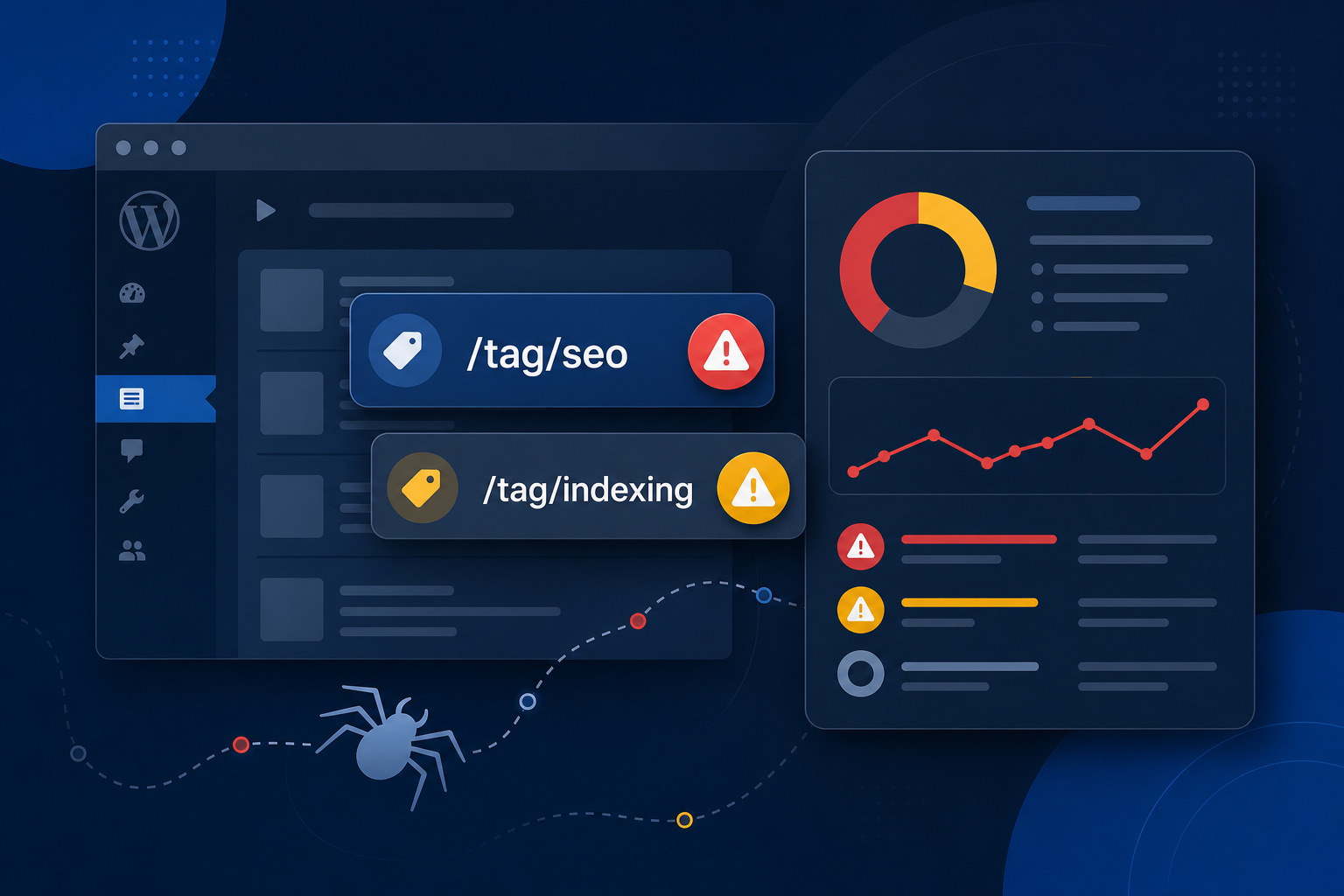
Moz (and tools like Screaming Frog or Site Audit) love to dump hundreds of “crawl errors” that all share one pattern: /tag/something/. If your WordPress site has years of posts and messy tagging, those reports get loud fast — and it’s easy to panic.
Most of the time this isn’t a catastrophic site failure. It’s WordPress generating thin taxonomy URLs that crawlers hit, then flag as low quality, redirected, blocked, or missing. Google Search Console often shows the same URLs under soft 404 or “Crawled – currently not indexed.”
Here’s how to read Moz crawl errors on WordPress tags, decide which ones matter, and clean them up without nuking pages that actually get traffic.
Why WordPress Tags Show Up in Moz Crawl Reports
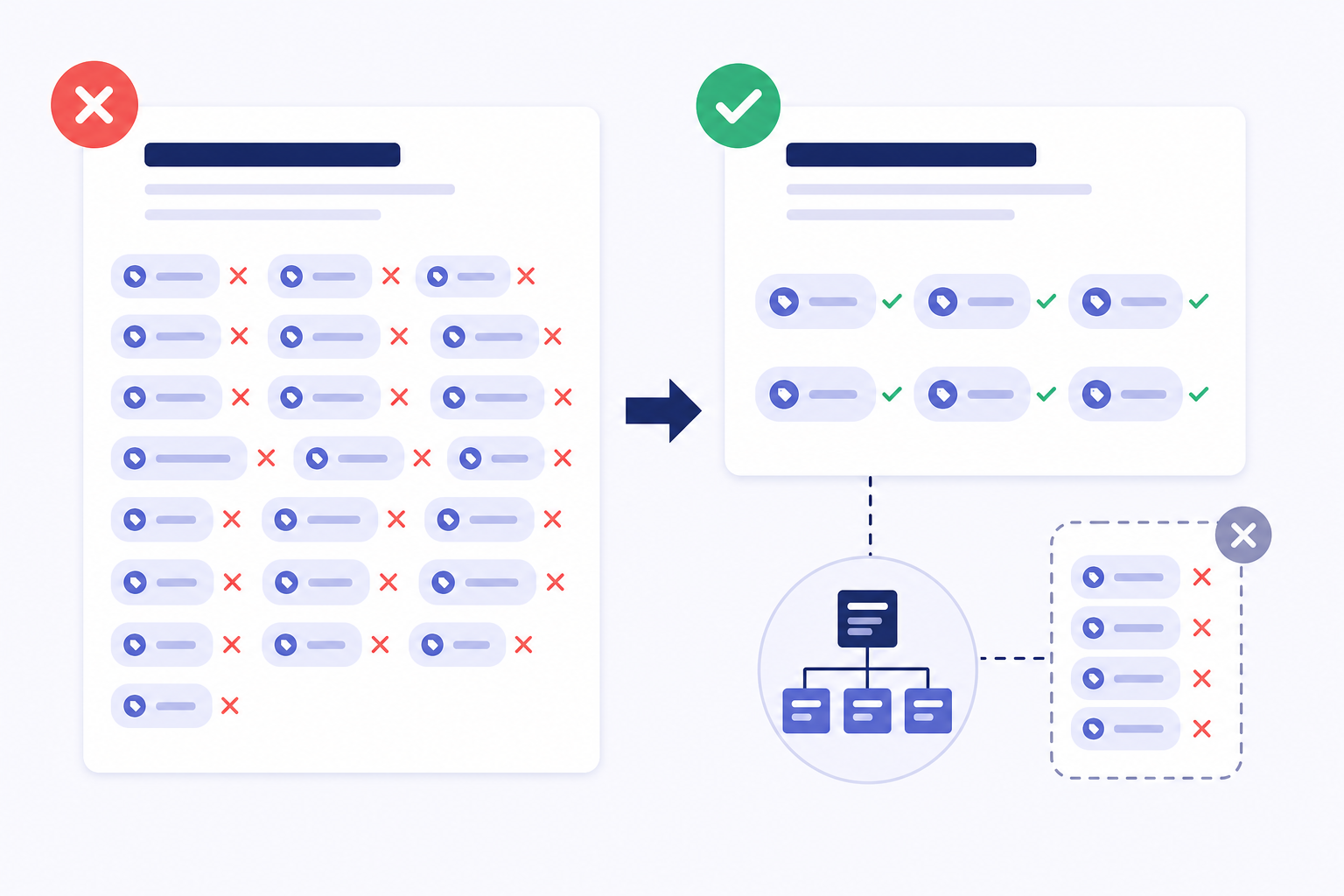
Every time you add a tag to a post, WordPress creates (or reuses) an archive URL. Authors often add 4–8 tags per post. Over a few hundred articles you get a tag graph nobody curated — including one-post tags, misspellings, and duplicates like “SEO” vs “seo tips.”
Crawlers discover those URLs from:
- Tag links in post footers and sidebars
- XML sitemaps that still include the
post_tagtaxonomy - Internal links from old themes or “related tags” widgets
- External links or bookmarks to outdated tag URLs
Moz then classifies whatever it finds: 404, 3xx redirect, blocked by robots, noindex, or “thin / soft 404–like” pages. The report looks scary because the count is high — not because your money pages are broken.
What Each Moz Tag Error Usually Means
| Moz signal | Typical WordPress cause | Priority |
|---|---|---|
| 404 on /tag/… | Tag deleted, renamed, or slug changed without a redirect | Medium — fix if linked; ignore one-offs with zero links |
| Redirected tag URL | SEO plugin redirect, slug change, or trailing-slash rules | Low if single hop; fix chains |
| Blocked by robots.txt | You Disallowed /tag/ or /blog/tag/ | OK if intentional; don’t block whole site |
| Noindex detected | Yoast/Rank Math set tags to noindex | Usually good — confirm sitemap matches |
| Thin / low content / soft 404 vibe | One-post tag archive with almost no unique copy | High volume — fix with policy, not one-by-one edits |
Moz and Google don’t always use the same labels. Moz “crawl error” ≠ Google “soft 404,” but thin tag archives are a common overlap. If GSC also lists those URLs as soft 404s, read our soft 404 WordPress guide.
Step 1: Don’t Fix Every Tag Individually
Export the Moz report (or Screaming Frog crawl) and filter paths containing /tag/ (or your language equivalent). Group by status code.
Then ask one question per group: Should this URL type ever rank?
- No for almost all marketing-site tags → noindex + remove from sitemap (pattern fix)
- Maybe for a few intentional topic hubs with 10+ strong posts → keep indexed and add unique intro copy
- 404s with internal links → 301 to a related category or best post, or restore the tag
Hand-editing 300 tag archives is wasted time. One taxonomy setting in Yoast or Rank Math cleans the crawl budget problem.
Step 2: Align Robots Meta and the Sitemap
The #1 self-inflicted mess: tags set to noindex but still listed in the XML sitemap. Crawlers keep requesting them; Moz keeps reporting them; Google gets mixed signals.
Yoast: SEO → Search Appearance → Taxonomies → Tags → Show in search results: Off. Then confirm tags are excluded from the sitemap.
Rank Math: Titles & Meta → Tags → Robots Meta → noindex, and turn off sitemap inclusion for tags.
Verify logged out: open a tag URL → view source → confirm noindex. Open your sitemap index and confirm post_tag (or tag) sitemaps are gone. More on that pattern: WordPress sitemap mistakes.
Decision rules for tags vs categories (don’t noindex product categories blindly): when to noindex tags vs categories.
Step 3: Clean Tag 404s That Still Have Links
If Moz shows 404 on /tag/old-name/ and your posts still link that slug:
- Find internal links (crawl “inlinks” in Moz or Screaming Frog)
- 301 the dead tag to the closest live category or cornerstone post — not always the homepage
- Stop themes from printing every tag in the footer if you noindex tags anyway
Orphan or renamed tags with zero inlinks and zero GSC impressions can stay 404. Don’t invent redirects for noise.
Step 4: Cross-Check Google Search Console
Moz finds crawlability. GSC tells you what Google did with the URL.
- In GSC, search the Page indexing report for sample tag URLs from Moz
- Look for soft 404, crawled-not-indexed, or excluded by noindex
- If a tag URL has real impressions/clicks, don’t noindex it yet — improve or merge first
After you change taxonomy robots settings, give Google a few weeks. Don’t mass “Request indexing” on hundreds of tag URLs — see when Request indexing actually works.
Step 5: Prevent New Tag Crawl Noise
- Limit tags per post (2–4 curated topics max)
- Ban one-post tags — merge into existing terms
- Disable tag clouds and “popular tags” widgets if tags are noindexed
- Review new tags monthly in Posts → Tags
- Use a pre-publish checklist so authors don’t spam taxonomies — MiroPage SEO pre-publish checklist
When Tag Crawl Errors Actually Matter
Take Moz seriously when:
- Tag 404s are linked from high-authority posts or the main nav
- Redirect chains go tag → tag → category → home
- robots.txt accidentally blocks important content alongside tags
- Crawl stats show bots spending most of their budget on taxonomies instead of products/posts
Ignore the panic when Moz lists 400 noindexed tags you intentionally excluded. That’s compliance, not failure — the report is documenting your policy.
Quick Fix Checklist
- Filter Moz report to
/tag/URLs - Decide: noindex most tags (business/blog default)
- Match sitemap exclusion to robots meta
- 301 only linked 404 tags to useful destinations
- Confirm in GSC that money pages aren’t mixed into the same problem
- Reduce new tag creation at the editorial level
The takeaway
Moz crawl errors on WordPress tags are usually a taxonomy hygiene problem, not a sign your site is broken. Treat tags as optional labels, not landing pages — noindex and desitemap the thin ones, fix only the 404s that still get links, and keep crawl budget for posts and products that can rank.
Related: Noindex tags vs categories · Soft 404 fixes · Sitemap mistakes